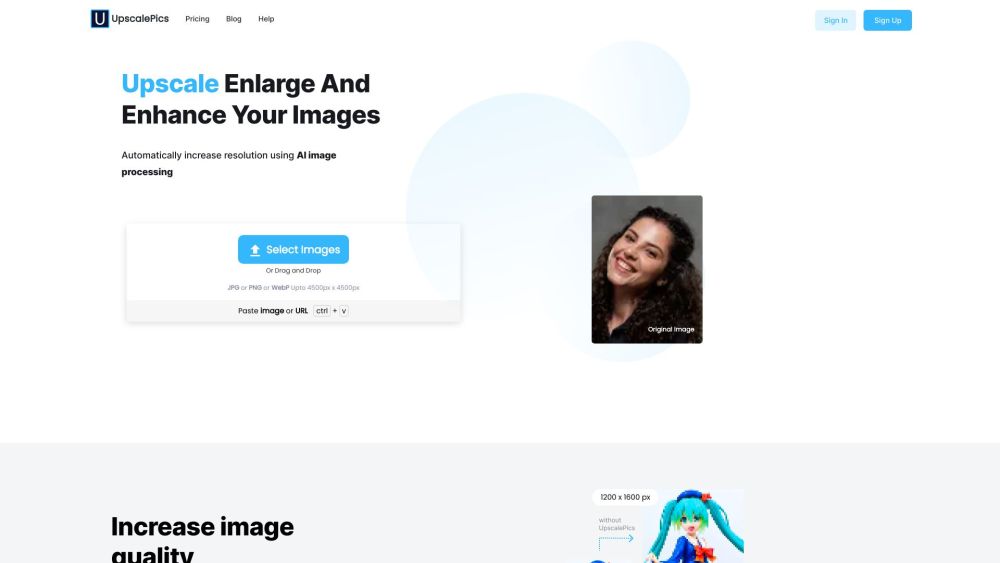
What is Upscalepics?
Upscalepics is a cutting-edge, browser-based AI image enhancement platform designed for creators, designers, and everyday users who demand professional-grade results—without the complexity or cost. Leveraging state-of-the-art deep learning models, it intelligently reconstructs missing details, restores clarity lost to compression, and scales images up to 4x resolution while preserving natural textures and edges. Unlike traditional interpolation tools, Upscalepics *understands* image content—so portraits stay lifelike, text remains crisp, and fine gradients render smoothly.
How to use Upscalepics?
1. Go to upscalepics.com — no sign-up required.
2. Upload your image (JPG, PNG, or WebP) directly from your device or cloud storage.
3. Choose your enhancement goal: upscale resolution, eliminate JPEG blockiness, sharpen details, or optimize file size.
4. Fine-tune intensity sliders for precision control—gentle refinement or bold enhancement, your call.
5. Click “Process” and watch the AI work in real time—most results appear in under 10 seconds.
6. Preview side-by-side comparisons, then download your enhanced image instantly—in the original format and resolution.