Upscalepics

Upscalepics: Free AI Tool to Upscale Images

Upscalepics: A free AI tool to upscale, enhance, and compress images—remove JPEG artifacts & add detail. Upscalepics delivers pro results instantly.

🟢

Upscalepics - Introduction

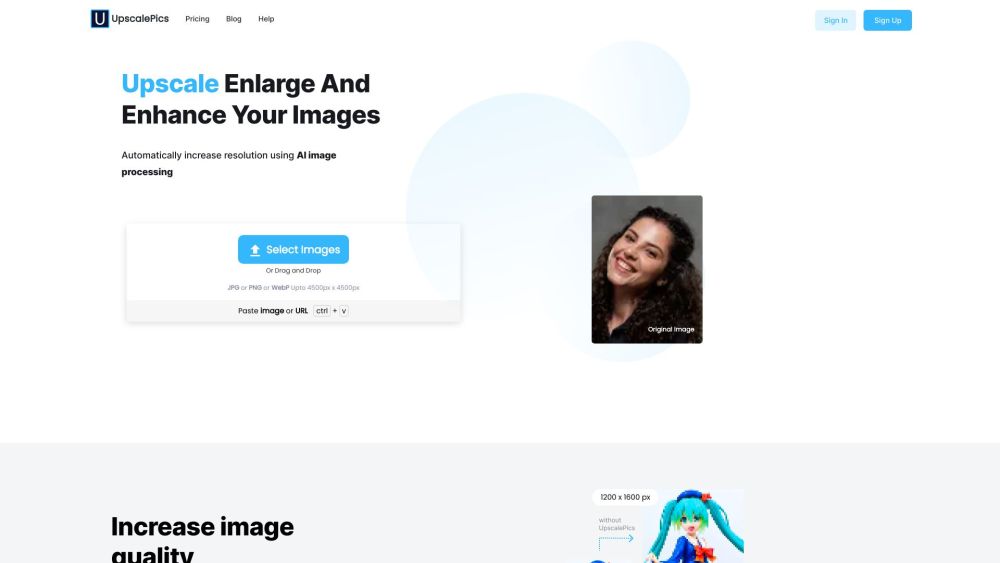
Upscalepics Website screenshot

What is Upscalepics?

Upscalepics is a cutting-edge, browser-based AI image enhancement platform designed for creators, designers, and everyday users who demand professional-grade results—without the complexity or cost. Leveraging state-of-the-art deep learning models, it intelligently reconstructs missing details, restores clarity lost to compression, and scales images up to 4x resolution while preserving natural textures and edges. Unlike traditional interpolation tools, Upscalepics *understands* image content—so portraits stay lifelike, text remains crisp, and fine gradients render smoothly.

How to use Upscalepics?

1. Go to upscalepics.com — no sign-up required.
2. Upload your image (JPG, PNG, or WebP) directly from your device or cloud storage.
3. Choose your enhancement goal: upscale resolution, eliminate JPEG blockiness, sharpen details, or optimize file size.
4. Fine-tune intensity sliders for precision control—gentle refinement or bold enhancement, your call.
5. Click “Process” and watch the AI work in real time—most results appear in under 10 seconds.
6. Preview side-by-side comparisons, then download your enhanced image instantly—in the original format and resolution.

🟢

Upscalepics - Key Features

Key Features From Upscalepics

Smart AI-Powered Upscaling

Intelligent JPEG Artifact Suppression

Context-Aware Detail Reconstruction

Lossless-Aware Image Compression

Upscalepics's Use Cases

Reviving blurry screenshots, old photos, or low-res social media assets

Cleaning up heavily compressed web graphics and email attachments

Preparing high-fidelity visuals for print, presentations, or portfolios

Reducing image file sizes for faster websites and smoother apps—without visible degradation

  • Upscalepics Support Email & Customer Service Contact

    Reach our responsive support team anytime: [email protected]

  • Upscalepics Company

    Company Name: UpscalePics

    Headquarters: Bangalore, India

  • Upscalepics Pricing

    All core AI features are free forever. Explore premium tiers for batch processing and advanced models: https://upscalepics.com/pricing

  • Upscalepics WhatsApp Support

    Get instant help via WhatsApp: https://wa.me/919606494582

🟢

Upscalepics - Frequently Asked Questions

FAQ from Upscalepics

What is Upscalepics?

Upscalepics is a free, zero-install AI tool that transforms image quality in seconds—using neural networks trained on millions of images to upscale, denoise, enhance detail, and compress with intelligent fidelity.

How to use Upscalepics?

It's effortless: upload → select enhancement mode → adjust preferences → process → download. No accounts, watermarks, or hidden limits. Works seamlessly on desktop, tablet, and modern mobile browsers.

Is Upscalepics really free to use?

Yes—100% free for unlimited individual image enhancements. The core AI engine, including artifact removal and 4x upscaling, requires no subscription or credit card.

Can I enhance multiple images at once?

The free tier processes one image per session. Batch enhancement and API access are available in our Pro plan—ideal for agencies and developers.

Does Upscalepics store the uploaded images?

No. All images are processed in-memory and automatically purged from servers within 60 seconds of download—or immediately after failure. We never retain, index, or share your files.

Will the enhanced images have the same format as the original images?

Absolutely. Upscalepics preserves your image’s native format (JPEG, PNG, WebP), color profile (sRGB), and metadata—ensuring full compatibility across platforms and workflows.