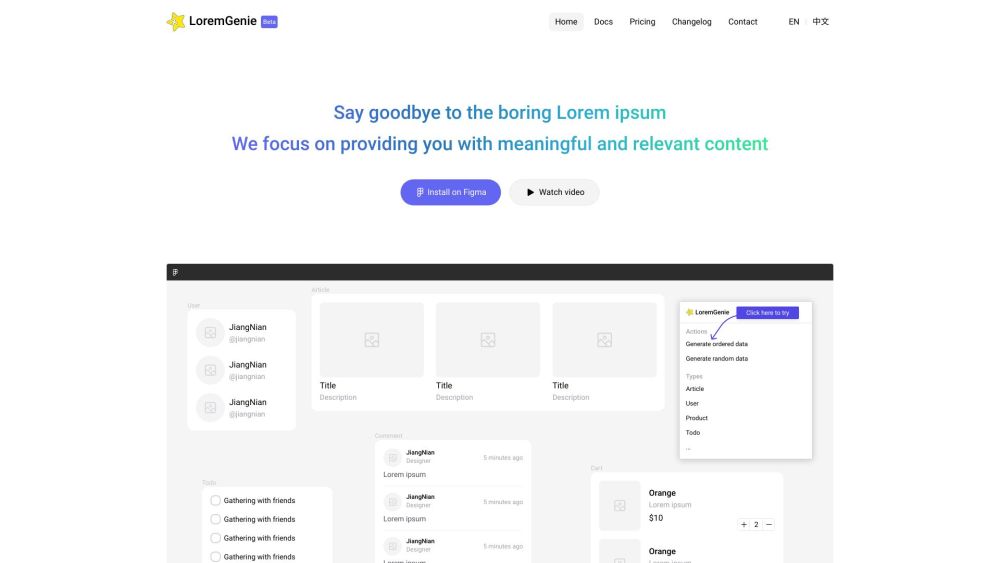
What is LoremGenie for Figma?
LoremGenie for Figma is an intelligent AI-powered plugin designed to eliminate placeholder text and synthetic filler in UI/UX design workflows. Instead of generic Latin gibberish, it delivers authentic, context-sensitive content—like realistic user bios, e-commerce product descriptions, verified customer testimonials, and localized metadata—tailored to your design's purpose, industry, and audience. Built natively for Figma, it bridges the gap between wireframe fidelity and real-world usability testing.
How to use LoremGenie for Figma?
Getting started takes seconds: install LoremGenie directly from Figma’s official Plugins directory (search “LoremGenie”), then launch it from the Plugins menu or via快捷 key (Ctrl/Cmd+Shift+L). Select any text layer—or group of layers—and choose from intuitive generation modes: context-aware suggestions (e.g., “SaaS dashboard user profile”), custom field mapping (name → email → role), or format-preserving transformations (camelCase to Title Case, CSV to JSON). With one click, your mockups gain human-readable depth—no copy-pasting, no manual editing.