Applitools: AI-Powered Visual Testing for Better Product Quality
What is Applitools?
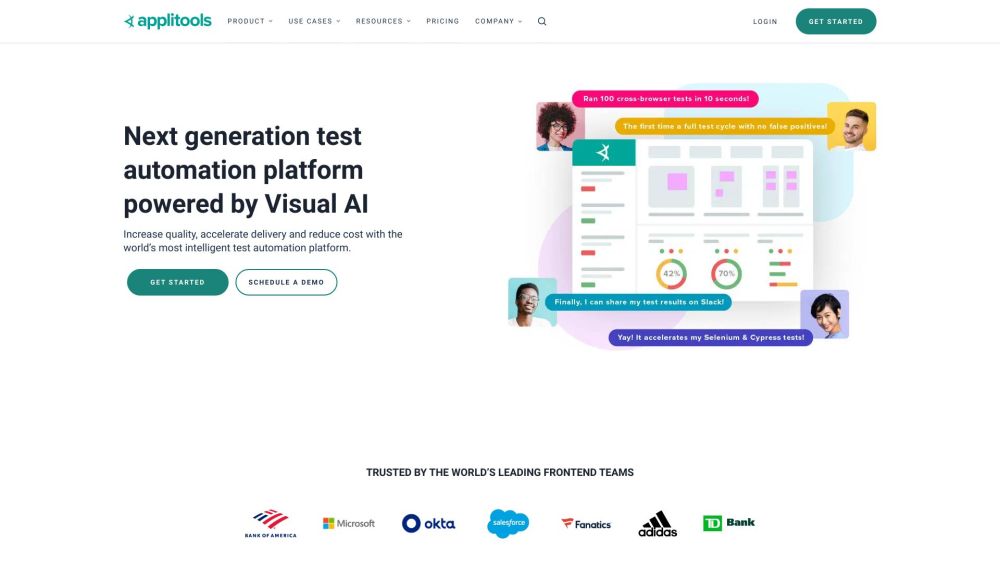
Applitools is an AI-powered visual testing and monitoring platform that helps development and QA teams deliver reliable user experiences. Its Visual AI technology checks application interfaces to identify unexpected changes that traditional functional tests may overlook. By bringing visual validation into automated workflows, Applitools helps teams improve product quality, accelerate releases, and reduce testing effort and maintenance costs.
How to use Applitools?
Start by connecting Applitools to your existing automation workflow, then add visual checks at important points in your application:
- Connect your testing framework. Use an appropriate SDK or integration for tools such as Cypress, Selenium, or Appium.
- Choose what to validate. Add checkpoints for web pages, mobile screens, supported desktop workflows, or documents such as PDFs.
- Establish visual baselines. Review initial captures to define the expected appearance of your interface.
- Expand browser coverage. Use Ultrafast Grid to check layouts across browser and viewport combinations. Execution Cloud can support test execution with self-healing capabilities.
- Review detected changes. Use Eyes for visual validation, auto-maintenance to streamline updates, and Root Cause Analysis to investigate differences.
- Include visual accessibility checks. Evaluate supported visual accessibility criteria alongside broader accessibility testing; visual checks alone do not establish full compliance.