Applitools

Applitools: Top ai tool for Product Name

Applitools: An ai tool for visual testing. Product Name boosts quality, speeds delivery, and cuts testing costs with AI.

🟒

Applitools - Introduction

Applitools: AI-Powered Visual Testing for Better Product Quality
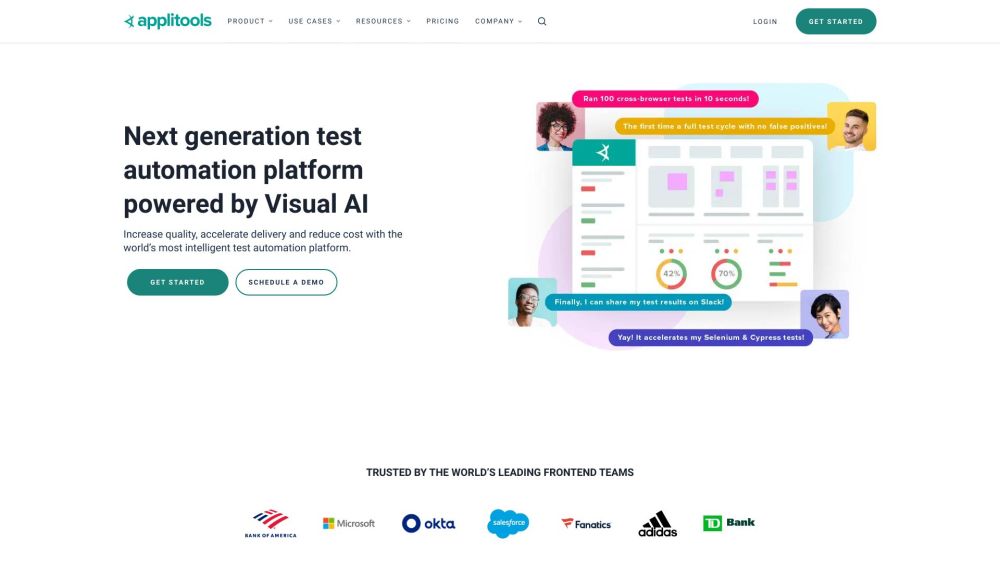
Applitools website screenshot showing its AI-powered visual testing platform

What is Applitools?

Applitools is an AI-powered visual testing and monitoring platform that helps development and QA teams deliver reliable user experiences. Its Visual AI technology checks application interfaces to identify unexpected changes that traditional functional tests may overlook. By bringing visual validation into automated workflows, Applitools helps teams improve product quality, accelerate releases, and reduce testing effort and maintenance costs.

How to use Applitools?

Start by connecting Applitools to your existing automation workflow, then add visual checks at important points in your application:

  1. Connect your testing framework. Use an appropriate SDK or integration for tools such as Cypress, Selenium, or Appium.
  2. Choose what to validate. Add checkpoints for web pages, mobile screens, supported desktop workflows, or documents such as PDFs.
  3. Establish visual baselines. Review initial captures to define the expected appearance of your interface.
  4. Expand browser coverage. Use Ultrafast Grid to check layouts across browser and viewport combinations. Execution Cloud can support test execution with self-healing capabilities.
  5. Review detected changes. Use Eyes for visual validation, auto-maintenance to streamline updates, and Root Cause Analysis to investigate differences.
  6. Include visual accessibility checks. Evaluate supported visual accessibility criteria alongside broader accessibility testing; visual checks alone do not establish full compliance.

🟒

Applitools - Key Features

Key Features From Applitools

Visual AI

Detect meaningful interface differences to help teams catch visual regressions during development.

Ultrafast Test Cloud

Support scalable testing workflows through cloud-based testing capabilities.

Execution Cloud

Run automated tests using infrastructure designed to reduce execution-related maintenance.

Ultrafast Grid

Extend visual coverage across browsers and screen sizes without repeating every test locally.

Cross-Browser Testing

Check whether important pages and components display consistently across browser environments.

UI Validation

Compare interface checkpoints with approved baselines to spot unexpected layout or content changes.

Auto-Maintenance

Streamline the review of related visual changes and reduce repetitive baseline updates.

Root Cause Analysis

Investigate detected differences to help developers understand and resolve interface problems.

Visual Accessibility Testing

Check supported visual accessibility requirements as part of a wider accessibility strategy.

Applitools Use Cases

Web and Mobile Testing

Validate key screens and user journeys across websites and mobile applications.

Storybook and Component Testing

Check reusable UI components for unintended appearance changes before release.

PDF and Document Testing

Review supported documents for visual differences in formatting, content placement, and layout.

Visual and Functional Testing

Add visual assertions to functional workflows for broader interface coverage.

Cross-Browser and Responsive Design Testing

Identify rendering issues that appear in particular browsers or at different viewport sizes.

Localization Testing

Find interface problems caused by translated text, changing text lengths, or regional layouts.

Accessibility and Compliance Workflows

Supplement wider audits with visual checks rather than relying on them as proof of compliance.

Codeless Testing

Explore available codeless testing options for workflows that require less scripting.

🟒

Applitools - Frequently Asked Questions

FAQ from Applitools

What is Applitools used for?

Applitools helps teams automate visual checks for application interfaces. It is used to detect unexpected appearance changes, broaden test coverage, and support more dependable product releases.

How do I start using Applitools?

Register for an account, connect a supported testing framework, and add visual checkpoints to your tests. Review the first results to establish approved baselines, then compare subsequent runs against them.

Can Applitools work with existing automated tests?

Yes. Applitools provides SDKs and integrations for frameworks including Selenium, Cypress, and Appium, allowing teams to introduce visual validation into existing testing workflows.

Does Applitools replace accessibility testing?

No. Visual accessibility checks can support an accessibility program, but comprehensive evaluation also requires other automated checks and manual testing.