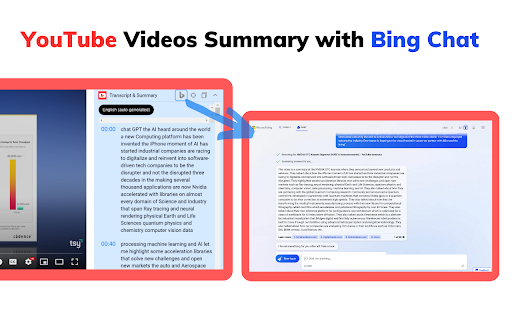
What is YouTube Summary with Bing Chat - All Browsers ai chrome extension?
Effortlessly grasp the essence of any YouTube video using AI-powered summaries generated in seconds. This smart Chrome extension integrates Bing Chat's advanced intelligence to deliver concise, accurate overviews directly on YouTube—helping you absorb key insights without watching the entire video.
How to use YouTube Summary with Bing Chat - All Browsers ai chrome extension?
1. Navigate to the YouTube website and choose a video you'd like to explore. 2. Begin playback so the content loads properly. 3. Locate the "Transcript & Summary" panel on the right side of the screen and expand it. 4. Click the “AI Summary” button to instantly generate a clear, structured summary powered by Bing Chat AI.