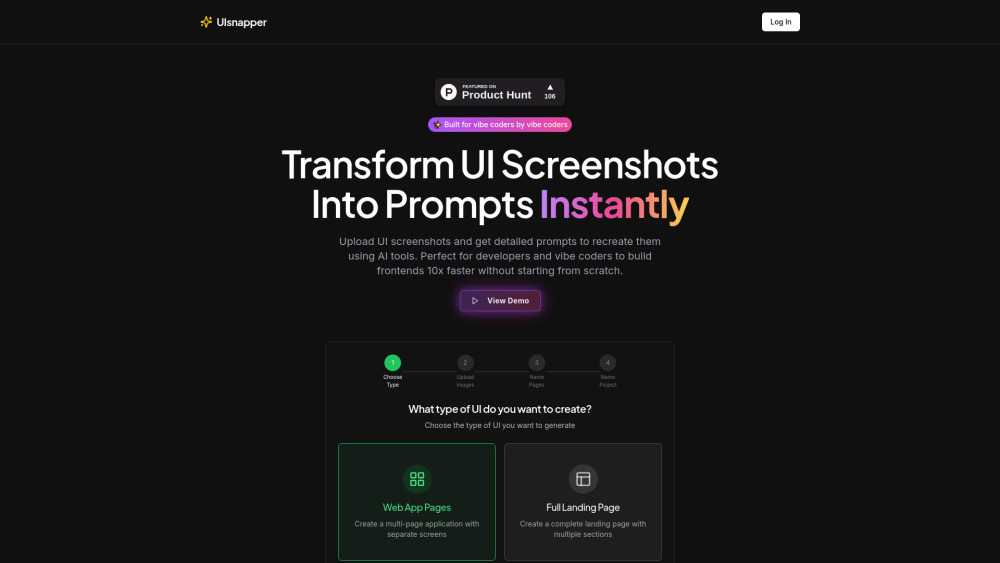
What is UIsnapper?
UIsnapper is the first AI-powered UI translation engine — designed to bridge the gap between visual design and functional frontend code. Simply upload a screenshot of any website, app interface, or Figma mockup, and UIsnapper reverse-engineers it into rich, context-aware AI prompts tailored for Cursor, v0, Lovable, and other next-gen coding assistants. No dev skills? No problem. Whether you're a product manager prototyping fast, a designer handing off to engineering, or a “vibe coder” shipping solo — UIsnapper turns pixel-perfect visuals into executable instructions in seconds.
How to use UIsnapper?
Using UIsnapper takes three intuitive steps: First, select your output scope — choose *Web App Pages* (for modular, multi-screen interfaces) or *Full Landing Page* (for scroll-driven, section-based sites). Next, drag-and-drop one or more high-fidelity UI screenshots — no cropping or preprocessing needed. Finally, name your project and pages, then click “Generate.” In under 10 seconds, you'll receive structured, tool-optimized prompts ready to paste directly into your AI coding environment — complete with layout logic, responsive hints, and component-level fidelity.