Teachfloor: AI-Powered LMS for Smarter Team Training
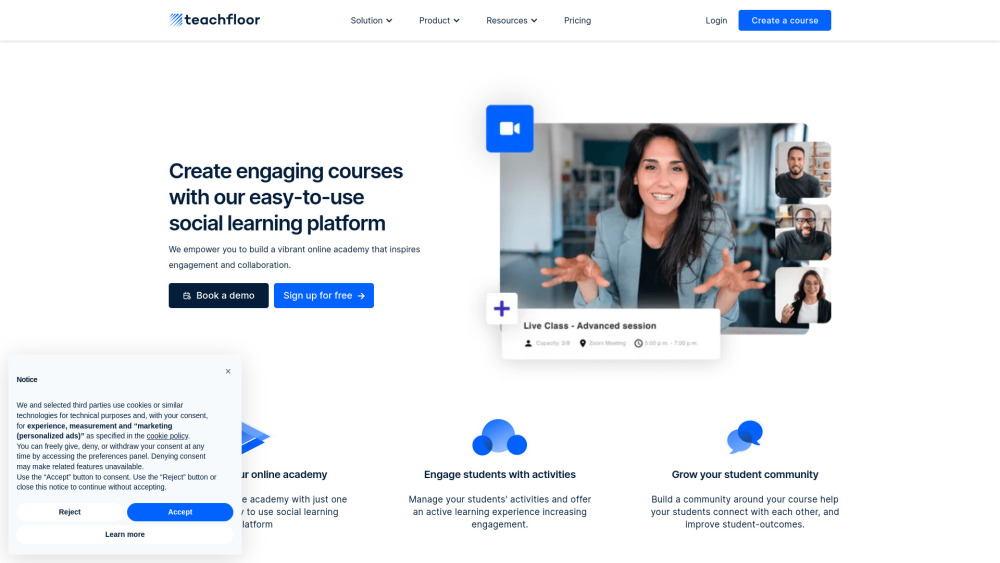
What is Teachfloor?
Teachfloor is an AI-powered learning management system (LMS) that helps educators and training teams create courses, personalize learning experiences, and deliver feedback more efficiently. By bringing generative AI into everyday teaching workflows, the platform reduces repetitive content tasks while keeping instructors involved in course design and assessment.
Instead of starting with an empty page, course creators can use AI to develop outlines, draft lesson introductions, prepare questions, and establish assessment criteria. Writing assistance also helps instructors refine explanations, adjust language, and adapt materials for different audiences.
For learners, Teachfloor combines organized course content with opportunities to participate and collaborate. Peer reviews, group activities, and discussion forums encourage people to learn from one another rather than simply work through materials alone.
The platform is suitable for employee onboarding, professional development, and educational programs that need a balance of structure and interaction. Its AI tools support faster preparation and more individualized guidance, while learner progress insights help instructors decide where additional support may be useful.
How to use Teachfloor?
Begin by creating a course and defining what participants should learn. Enter a topic-based prompt or upload a PDF to give the AI Course Generator a starting point. Teachfloor can then propose a curriculum with modules, lesson titles, and descriptions that you can review and refine.
Next, develop the learning materials within each module. Use the AI writing tools to draft lesson introductions, expand instructions, simplify difficult passages, or translate existing text. Adjust the output to match your audience, organizational terminology, and teaching objectives before publishing.
Add assessments to check understanding throughout the course. The quiz builder can help produce multiple-choice, open-ended, and ranking questions, while the rubric creator assists with defining evaluation criteria and scoring guidance. Reviewing these materials helps keep assessments aligned with the skills you want learners to develop.
Build interaction into the experience through discussions, peer feedback, and group assignments. If your program includes instructor-led sessions, use the Zoom integration to schedule live classes within the course structure.
As participants complete assignments, use AI-assisted instructor reviews to draft feedback informed by submissions and assessment rubrics. Check the suggested comments and add your own observations before sharing them. Monitor learner progress and use relevant AI recommendations to plan follow-up activities, revise explanations, or adjust the learning pace.