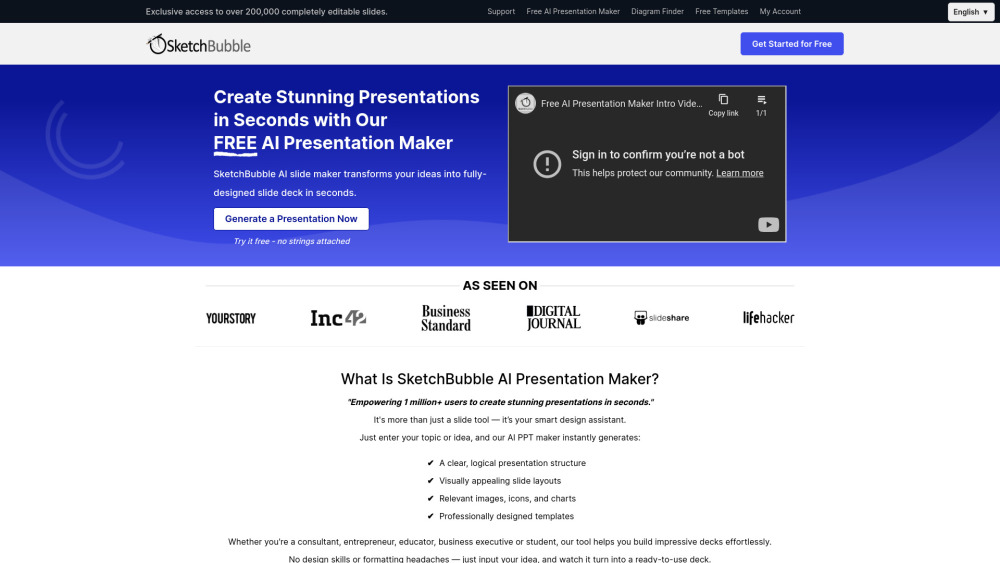
What is SketchBubble AI Presentation Maker?
SketchBubble AI Presentation Maker is an intelligent, browser-based tool that transforms raw ideas — whether a bullet-point outline, a paragraph summary, or even a single prompt — into polished, presentation-ready slide decks in under 60 seconds. Engineered for clarity and creativity, it combines generative AI with expert design principles to produce visually cohesive, audience-tailored presentations for PowerPoint and Google Slides. No templates to wrestle with. No design degree required. Just idea → insight → impact — instantly.
How to use SketchBubble AI Presentation Maker?
1. Describe your goal: Enter your topic, objective, or key message (e.g., “Q3 product launch for SaaS startup” or “5-minute science fair explanation”).
2. Refine & personalize: Review the AI-generated outline, adjust slide count, select from curated themes — including dark mode, minimalist, corporate, and education-optimized styles.
3. Export & elevate: Download as editable .PPTX or .GSLIDES — then tweak text, swap visuals, or add branding with full control. Present confidently, anywhere.