What is iftrue?
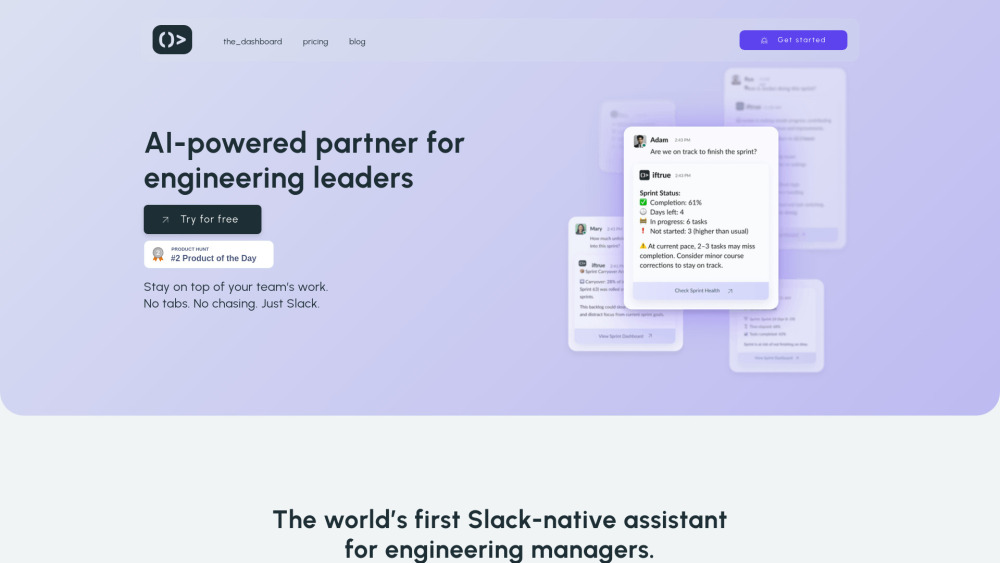
iftrue is an intelligent AI copilot purpose-built for engineering leaders — embedded directly in Slack to turn fragmented signals into actionable leadership insights. Instead of toggling between dashboards or chasing status updates, iftrue synthesizes real-time activity from GitHub, Jira, and team communication to surface what truly matters: emerging blockers, delivery risks, developer experience trends, and DORA-aligned performance signals. It doesn't just report data — it interprets context, recommends next steps, and proactively prepares meetings so engineering managers spend less time gathering information and more time guiding outcomes.
How to use iftrue?
Using iftrue is as simple as typing @iftrue in any Slack channel or DM. Ask natural-language questions like *“Who’s blocked on PRs this sprint?”*, *“Show me teams at risk of missing their deadline,”* or *“Summarize yesterday’s stand-up prep.”* The AI instantly pulls live data from connected tools and delivers concise, contextual answers — no switching apps, no manual exports. With smart alerts, auto-generated daily check-ins, and pre-filled meeting briefs, iftrue transforms Slack from a chat tool into your real-time engineering command center.