GPT-trainer

Product Name: GPT-trainer ai tool | No-Code Chatbot

Product Name: GPT-trainer, the ai tool to build a chatbot without coding, embed it on your website, and improve support.

🟢

GPT-trainer - Introduction

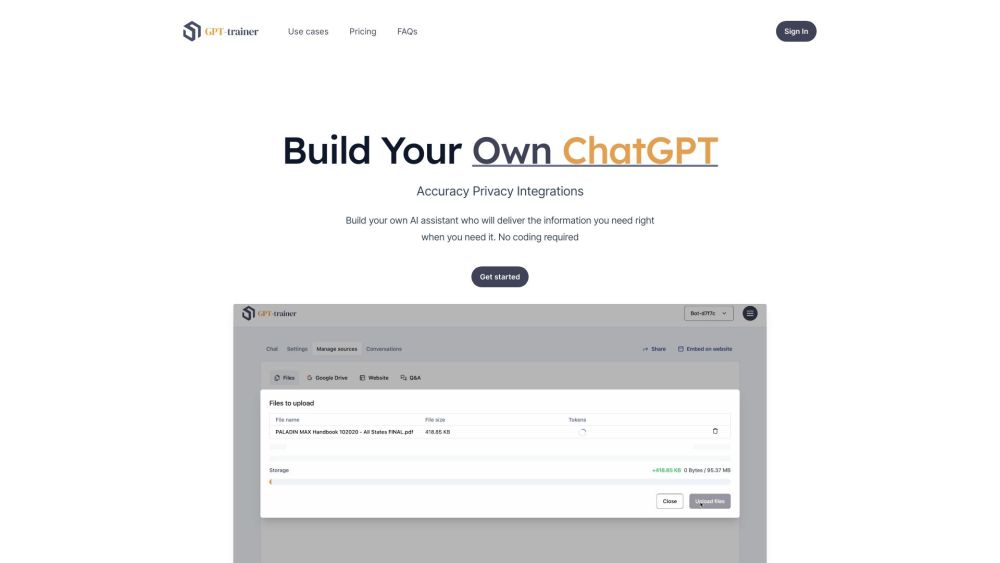
GPT-trainer Website screenshot

What is GPT-trainer?

GPT-trainer is a no-code AI chatbot builder that uses your own content to answer questions. You can add product guides, support articles, or internal policies as reference material, then embed the chatbot on your website. Customers can use it to find answers to common questions, while employees can use it in Slack to look up internal information.

How to use GPT-trainer?

Create an account and add the material you want the chatbot to draw from. Upload documents, import files from a supported cloud drive, paste text, or enter a webpage URL. Give the assistant instructions for how to respond, then adjust its tone and appearance to match your brand. When it's ready, publish it on your website as a chat bubble or an embedded iframe, or connect it to Slack.

🟢

GPT-trainer - Key Features

Key Features From GPT-trainer

Create an AI assistant with a no-code builder

Answer questions using the reference material you provide

Add a chat bubble or iframe to your website

Set the chatbot’s tone, instructions, and branding

Use source tracking to see where queries originate

Respond to users in more than 95 languages

Make the chatbot available in Slack

GPT-trainer Use Cases

Customer support for common product and service questions

HR assistance with onboarding and workplace policies

Translation assistance for multilingual conversations

Question answering for Markdown documentation

Business analysis using battery energy storage system documentation

🟢

GPT-trainer - Frequently Asked Questions

FAQ from GPT-trainer

Do I need coding experience to build a chatbot?

No. You can add reference material, set response instructions, and customize the chatbot through GPT-trainer’s interface.

What can I use as source material?

Supported document formats include PDF, DOCX, TXT, Markdown (MD), and TEX. You can also paste text directly or supply a URL so GPT-trainer can extract the page’s text.

Where does GPT-trainer store data?

GPT-trainer’s product information lists Amazon Web Services (AWS) servers in Oregon, United States, as its data storage location.

Can the chatbot respond in multiple languages?

Yes. GPT-trainer supports more than 95 languages, so visitors can ask questions in a language they’re comfortable using.

Can I give the chatbot custom instructions?

Yes. You can use prompt templates to define the chatbot’s role and guide how it responds. For example, you can ask a support bot to keep troubleshooting steps brief and easy to follow.

Can other people use a chatbot I create?

Yes. You can share a chatbot with others, publish it on your website, or make it available through Slack.

How do I display the chatbot on my website?

Use an iframe to place the chat interface inside a page, or add a chat bubble that opens the assistant from the bottom-right corner of the site.

``` The supplied HTML contains a placeholder for the support email, so the contact section links to the official website.