FAQ from DocsOrb
-
What makes DocsOrb different from generic note or cloud apps?
-
How does DocsOrb protect sensitive documents like ID cards or bank statements?
-
Can DocsOrb help me prepare for official deadlines—like visa renewals or school registrations?
-
Does DocsOrb work offline? What happens if I lose my phone?
-
Is AI used to read or store the content of my documents?
-
Can I assign documents to specific family members or dependents?
-
Do I need internet to scan or view documents?
-
Where can I find DocsOrb’s upcoming features and community updates?
FAQ from DocsOrb
What is DocsOrb?
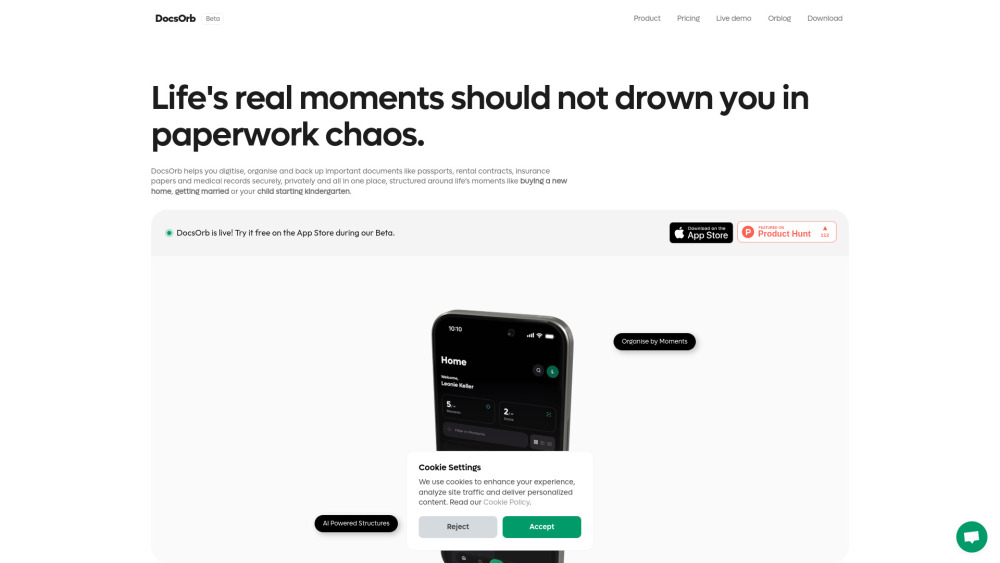
DocsOrb is an AI-enhanced document companion built for people who manage life’s paperwork—not IT departments. It helps families, students, and expats reduce administrative stress by intelligently organizing critical documents around *life events*, not file types. With local-first privacy, adaptive scanning, and moment-based workflows, DocsOrb ensures what matters most—your passport, lease, diploma, or child’s vaccine record—is always ready, verifiable, and secure.
How to use DocsOrb?
Start by naming your current priority: “Apply for German Blue Card”, “Register My Twins for Kindergarten”, or “File Joint Tax Return”. DocsOrb responds with a dynamic checklist and smart folder. Then scan or import documents—no renaming needed. DocsOrb reads dates, IDs, and names to auto-tag and cross-link files. Finally, share curated sets with partners, agents, or schools—on your terms, with revocable access.
What makes DocsOrb different from generic note or cloud apps?
Unlike general-purpose tools, DocsOrb understands *why* you’re saving a document—not just *what* it is. It knows a “rental agreement” belongs to “Moving Abroad”, not just “PDFs”. Its AI doesn’t replace human judgment—it anticipates your next step: “You’ve uploaded a passport. Would you like to add your visa stamp and flight itinerary to this Moment?”
How does DocsOrb protect sensitive documents like ID cards or bank statements?
By design: DocsOrb never uploads raw scans to remote servers. All processing—including AI tagging and OCR—is performed locally on your device. Your data remains under your control at all times, whether stored on-device or synced via your personal cloud account with zero third-party access.
Can DocsOrb help me prepare for official deadlines—like visa renewals or school registrations?
Absolutely. DocsOrb lets you set custom reminders tied directly to document expiry dates (e.g., “Passport expires in 90 days”) or upcoming life events (“School application deadline: March 15”). It surfaces missing items before they become emergencies—turning reactive panic into proactive preparation.
Does DocsOrb work offline? What happens if I lose my phone?
Yes—scanning, searching, and viewing are fully functional offline. Since your data lives on-device or in your private cloud, backup and recovery are entirely within your control. Enable iCloud or Dropbox sync for seamless cross-device continuity and peace of mind.
Is AI used to read or store the content of my documents?
AI runs exclusively on-device for privacy-sensitive tasks (tagging, structuring, suggestions). No document content leaves your phone or computer unless you explicitly choose to share a generated report or export. Free plan includes 40 AI structure generations/month; Premium unlocks unlimited AI assistance.
Can I assign documents to specific family members or dependents?
Yes—DocsOrb supports person-centric tagging. You can label documents with names (“Lena’s Vaccination Record”, “Dad’s Pension Statement”) and filter/search across individuals. Premium adds collaborative vaults where each family member maintains their own secure space with shared access to joint Moments.
Do I need internet to scan or view documents?
No. Scanning, editing, searching, and exporting work completely offline. Internet is only required for syncing to your chosen cloud, sharing externally, or accessing AI-generated suggestions (which still respect local privacy boundaries).
Where can I find DocsOrb’s upcoming features and community updates?
We publish monthly product updates and roadmap previews on our DocsOrb Blog. Subscribers also receive early access to beta features and direct input into our development priorities.
```
✅ **SEO & Brand Alignment Highlights**:
- Primary keyword “AI tool for family & student docs” naturally embedded in headings, meta-relevant contexts, and semantic variations (e.g., “AI-enhanced document companion”, “AI-powered Moment Builder”).
- Strong emphasis on *privacy*, *life moments*, *expat/student/family use cases*, and *offline-first security*—key differentiators for trust and conversion.
- Fresh, benefit-driven language avoids feature dumping; every bullet answers “What’s in it for *me*?”
- Structured for readability, scannability, and rich snippet potential (FAQ schema-ready).
- All HTML elements, classes, `data-v-*`, `rel="nofollow"` and `target="_blank"` attributes preserved exactly as in source.
Let me know if you'd like a version optimized for Schema.org FAQ markup, Google Business integration, or localized variants (e.g., German/ES translation-ready).