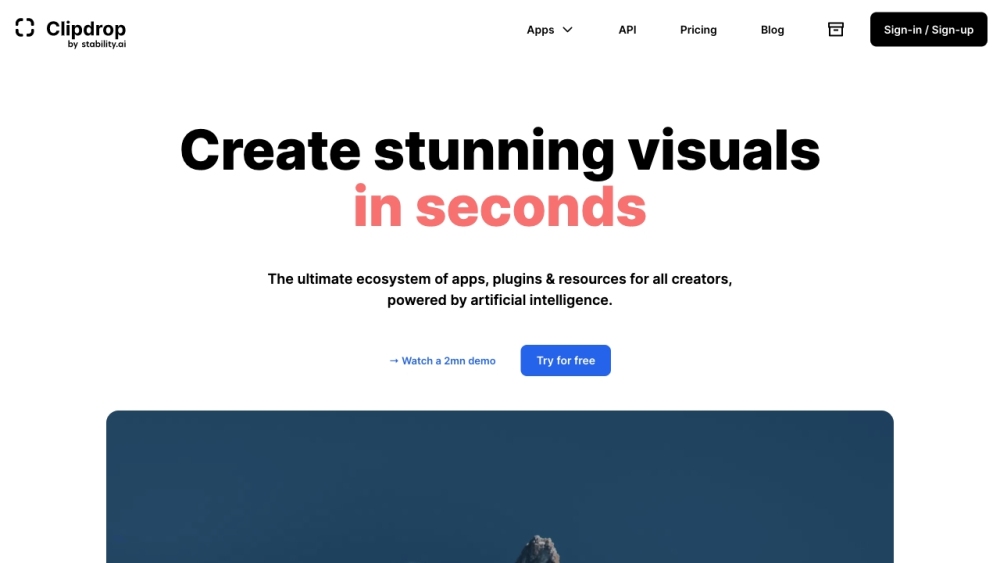
What is Clipdrop?
Clipdrop isn't just another AI tool—it’s a purpose-built creative operating system for visual makers. Developed by InitML, Clipdrop unifies cutting-edge generative AI into one cohesive ecosystem: web apps, desktop plugins, mobile applications, and developer APIs—all designed to accelerate ideation, polish, and production. Whether you're refining product shots, generating concept art, or prepping assets for social or e-commerce, Clipdrop transforms minutes of manual work into seconds of intelligent automation—no technical expertise required.
How to use Clipdrop?
Getting started with Clipdrop is seamless—no onboarding friction, no steep learning curve. Visit clipdrop.co to access all tools instantly in your browser. Prefer mobility? Download the official Clipdrop app for iOS (App Store) or Android (Google Play) to edit on-the-go. For professionals, install Clipdrop Plugins directly into Photoshop, Figma, or Canva—or integrate the robust REST API into custom workflows. Upload any image, select your goal (e.g., “remove background”, “reimagine XL”, “uncrop”), and let state-of-the-art models do the rest. Export high-res results in seconds—or chain tools together for end-to-end creative pipelines.