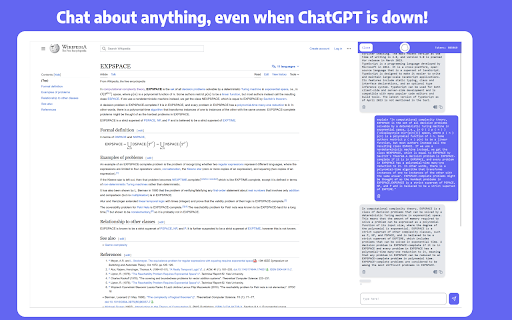
What is ChatGPT - Chrome Extension?
The ChatGPT - Chrome Extension transforms how you engage with documents—turning static PDFs into interactive, conversational knowledge sources. With one click, upload any PDF and ask natural-language questions to receive precise, context-aware answers instantly—no copying, no scrolling, just intelligent dialogue with your files.
How to use ChatGPT - Chrome Extension?
Install the extension and activate it on any webpage or PDF viewer. Click the toolbar icon—or use the快捷 shortcut (Ctrl+Shift+P / Cmd+Shift+P)—to launch the smart sidebar. Then upload a PDF, paste text, or select content from a webpage, and start chatting. Whether you're drafting a LinkedIn post, extracting key takeaways from a research paper, or rewriting technical documentation, responses generate in real time.