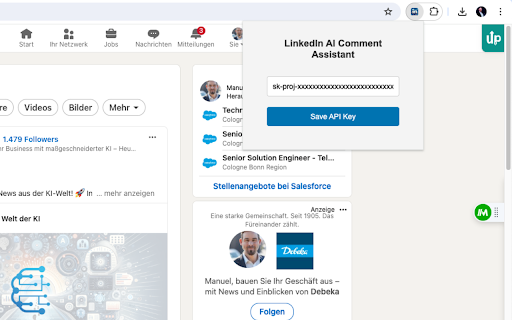
What is AI-Commentator ai chrome extension?
AI-Commentator is a lightweight, intelligent Chrome extension designed exclusively for LinkedIn—transforming how professionals engage by turning a single click into thoughtful, context-aware comments.
How to use AI-Commentator ai chrome extension?
After installing the extension, visit any LinkedIn post, click the AI-Commentator button next to the comment box, and instantly receive a polished, professional reply—fully editable before posting.
AI-Commentator ai chrome extension's Core Features
One-click contextual commenting
Smart tone adaptation (professional, supportive, or insightful)
AI-Commentator ai chrome extension's Use Cases
Effortlessly maintain consistent presence on LinkedIn without drafting from scratch
Strengthen network relationships with authentic, value-driven engagement
FAQ from AI-Commentator - Chrome Extension
What is AI-Commentator?
A purpose-built AI assistant that lives inside your browser—engineered to understand LinkedIn post intent and generate nuanced, human-sounding comments in real time.
How to use AI-Commentator?
Install the extension → navigate to LinkedIn → click the AI-Commentator icon on any post → review and customize the suggestion → post with confidence.
How accurate are the generated comments?
Trained on professional communication patterns, AI-Commentator delivers highly relevant, grammatically precise, and platform-appropriate suggestions—ideal as a starting point for authentic interaction.