WordPress Copilot

WordPress Copilot: AI Tool for Content & Management

WordPress Copilot: An AI tool for WordPress content creation and management—your smart, official AI chatbot assistant.

🟢

WordPress Copilot - Introduction

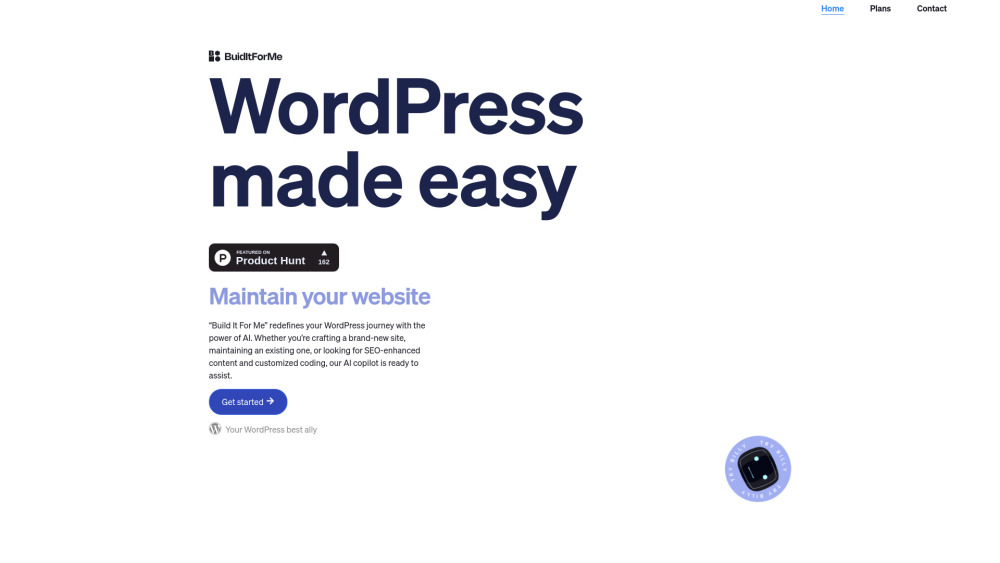
WordPress Copilot Website screenshot

What is WordPress Copilot?

WordPress Copilot—affectionately called Billy—is your dedicated AI co-pilot built natively for WordPress. Unlike generic AI tools, it's a fully integrated plugin that understands the WordPress ecosystem deeply: from Gutenberg blocks and theme files to database configurations and REST API interactions. Whether you're drafting SEO-optimized articles, troubleshooting site performance, or building dynamic widgets without writing a single line of code, Billy acts as your intelligent, context-aware assistant—right inside your admin dashboard.

How to use WordPress Copilot?

Getting started takes seconds: install the WordPress Copilot plugin from your dashboard, activate it, and launch Billy—the friendly AI interface appears instantly in your sidebar or toolbar. Ask natural-language questions (“Add a newsletter signup form to the homepage”), request content (“Write a 600-word beginner’s guide to caching in WordPress”), or command technical actions (“Generate a custom shortcode that displays recent posts by category”). Billy responds with editable, production-ready output—and learns from your preferences over time.

🟢

WordPress Copilot - Key Features

Key Features From WordPress Copilot

Intelligent Content Generation

No-Code Widget Builder

Smart Site Administration

WordPress Copilot's Real-World Use Cases

Draft high-converting blog posts with built-in SEO guidance

Build responsive, interactive widgets using plain English prompts

Audit, optimize, and update plugins, themes, and settings safely

🟢

WordPress Copilot - Frequently Asked Questions

FAQ from WordPress Copilot

What is WordPress Copilot?

WordPress Copilot—also known as Billy—is a purpose-built AI assistant designed exclusively for WordPress users. It goes beyond basic chatbots by leveraging deep platform awareness to generate content, debug issues, write clean PHP/JS/HTML, and manage site infrastructure—all through intuitive, conversational interaction.

How do I get started with WordPress Copilot?

Install the official plugin from your WordPress admin → Activate → Click the Billy icon. No external accounts, no complex setup. Your AI assistant is ready to help with writing, coding, configuration, and optimization—immediately and securely within your own environment.

What makes WordPress Copilot different from other AI tools?

Unlike general-purpose LLMs, WordPress Copilot is trained on real WordPress codebases, documentation, best practices, and security standards. It respects your site’s structure, respects permissions, avoids breaking changes, and outputs human-reviewable, compliant code—making it both powerful *and* production-safe.

Does WordPress Copilot support multilingual content and localization?

Yes—Billy supports over 30 languages and can generate, translate, and localize content—including post titles, meta descriptions, widget labels, and theme strings—while preserving SEO integrity and cultural nuance across global WordPress sites.