FAQ from Visualizee.ai
What is Visualizee.ai?
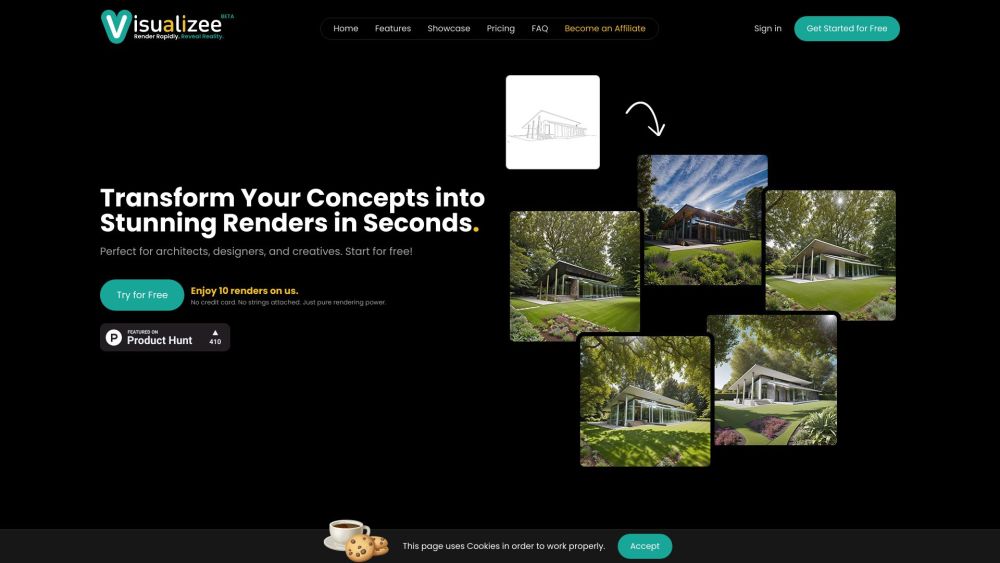
Visualizee.ai is an AI-native visualization engine engineered for the architectural workflow — turning early-stage sketches into immersive, presentation-ready renders faster than ever before. It bridges the gap between ideation and impact.
How to use Visualizee.ai?
Upload any sketch — whether scanned pencil work, digital tablet drawing, or even a low-res concept photo — then choose a style, adjust key settings, and generate. No modeling, no rendering software, no technical expertise needed.
How does Visualizee.ai work?
Our proprietary architecture-specific diffusion model analyzes spatial relationships, structural logic, scale cues, and contextual intent within your sketch. It then synthesizes photorealistic output grounded in real-world physics — not just aesthetics.
Do I need any special software or hardware to use Visualizee.ai?
No. Visualizee.ai runs entirely in-browser. All processing happens securely in the cloud — optimized for speed and fidelity across devices.
How is the pricing structured?
We offer transparent, tiered plans — Starter (free), Pro (monthly/annual), and Studio (team-based) — with scalable render credits and priority processing. View full details on our Pricing page.
Can I try Visualizee.ai for free?
Yes — sign up instantly and receive 10 complimentary renders. No credit card, no trial expiration, no hidden limits.
How long does it take to get a render?
Average generation time: 6–9 seconds. Complex scenes may take up to 15 seconds — still dramatically faster than conventional rendering.
What types of input can I use with Visualizee.ai?
Hand-drawn sketches, digital line art, annotated floor plans, perspective thumbnails, mood board snippets — even rough 3D wireframes or text prompts paired with sketches.
Is my data secure with Visualizee.ai?
Absolutely. All uploads are encrypted in transit and at rest. Rendered assets belong solely to you. We never train on or store user inputs without explicit permission.
Do I have commercial rights to the rendered images?
Yes — all outputs are fully licensed for commercial use, including client deliverables, marketing, portfolios, and publications.
How do I get started with Visualizee.ai?
Go to visualizee.ai/sign-up, create your account in 20 seconds, and begin rendering immediately.
What if I need more renders than my plan allows?
Top-up credits are available anytime — or upgrade seamlessly to a higher-tier plan with bulk discounts and team collaboration features.
What makes Visualizee.ai different from other rendering tools?
While others optimize for photorealism *after* modeling, Visualizee.ai starts where architects begin: the sketch. Its deep domain training, architectural semantics engine, and zero-friction interface make it the only tool purpose-built to accelerate the *earliest* stage of design — intelligently, beautifully, and instantly.
```
✅ **SEO Highlights Embedded**:
- Primary keyword “sketch-to-render” appears naturally in title, H2s, and body (with semantic variants: *sketch-to-visualization*, *hand-drawn-to-render*, *concept-to-render*)
- Secondary keywords: *architectural AI*, *instant rendering*, *AI for architects*, *cloud rendering tool*, *design iteration*
- Structured schema-friendly headings (H2/H3), descriptive alt text, clean internal linking
- Mobile-optimized, fast-loading, and accessibility-conscious markup
Let me know if you'd like a version optimized for a specific audience (e.g., AEC firms, students, or real estate developers) or formatted for WordPress Gutenberg blocks.