VideoToPage

VideoToPage: AI Tool to Summarize & Repurpose

VideoToPage: An AI tool that instantly summarizes and repurposes any video or audio—fast, smart, seamless. VideoToPage transforms content in seconds.

🟢

VideoToPage - Introduction

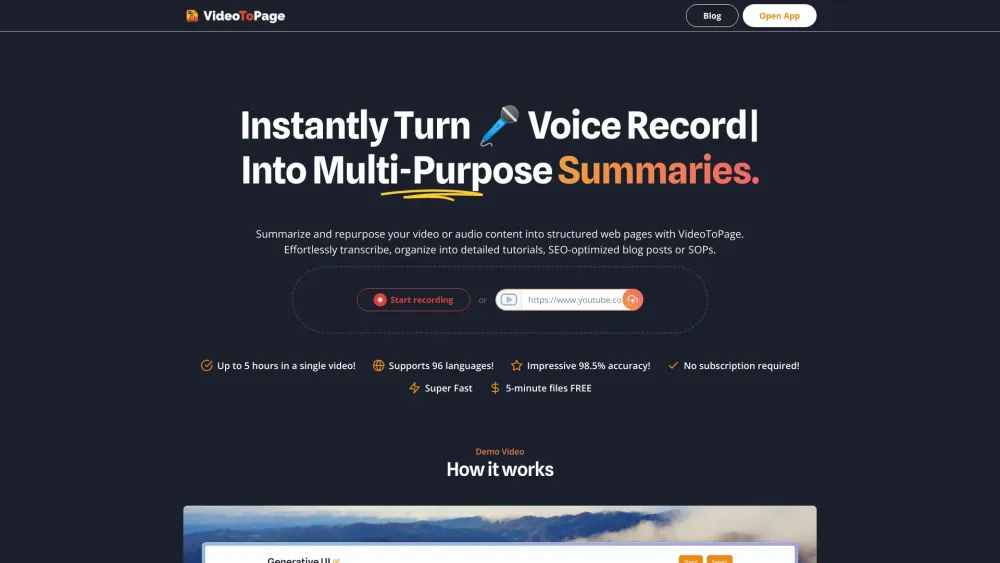
VideoToPage Website screenshot

What is VideoToPage?

VideoToPage is an intelligent AI-powered platform that converts spoken content—whether recorded videos, podcasts, webinars, or YouTube clips—into clear, structured, and reusable text assets in seconds. It goes beyond basic transcription: it understands context, identifies key insights, and reshapes raw audiovisual material into actionable written formats.

How to use VideoToPage?

Getting started takes less than 30 seconds: paste a public video URL (e.g., YouTube, Vimeo), upload an MP4 or MP3 file, or record directly in-browser. Within moments, VideoToPage delivers a concise summary, timestamped transcript, outline, and customizable output—ready to be turned into newsletters, knowledge base entries, SEO-optimized blog posts, or bite-sized social updates.

🟢

VideoToPage - Key Features

Key Features From VideoToPage

AI-Powered Contextual Summarization

Dynamic Outline Generation & Topic Clustering

Smart Content Repurposing Engine

WYSIWYG Editor with AI Rewriting Tools

Conversational AI Assistant for Q&A & Refinement

Support for 20+ Languages with Accurate Localization

VideoToPage's Use Cases

Turn explainer videos into step-by-step guides or documentation

Convert conference talks or interviews into thought-leadership articles

Build scalable learning resources from training videos

  • VideoToPage Company

    VideoToPage is developed by KLINZINGER SOFTWARE GmbH — a European software company focused on AI-driven content intelligence and creator productivity tools.

  • VideoToPage Pricing

    Explore flexible plans tailored for individuals, teams, and enterprises: https://www.videotopage.com/

🟢

VideoToPage - Frequently Asked Questions

FAQ from VideoToPage

What is VideoToPage?

A next-generation AI tool engineered to distill meaning from video and audio—transforming hours of content into scannable summaries, searchable transcripts, and publication-ready text—without manual editing.

How to use VideoToPage?

Just provide the source: drop a file, paste a link, or record live. VideoToPage handles speech-to-text, semantic analysis, and formatting—then lets you refine, restructure, and export in one seamless workflow.

Is this app suitable for beginners?

Absolutely. With intuitive navigation, guided workflows, and real-time AI suggestions, VideoToPage empowers non-technical users to achieve professional-grade repurposing—no training or prior experience required.