Video Mood

Video Mood: AI Tool for Instant Summaries

Video Mood: BYOK AI tool that summarizes YouTube videos instantly. Product Name delivers smart, fast insights with cutting-edge ai tool technology.

🟢

Video Mood - Introduction

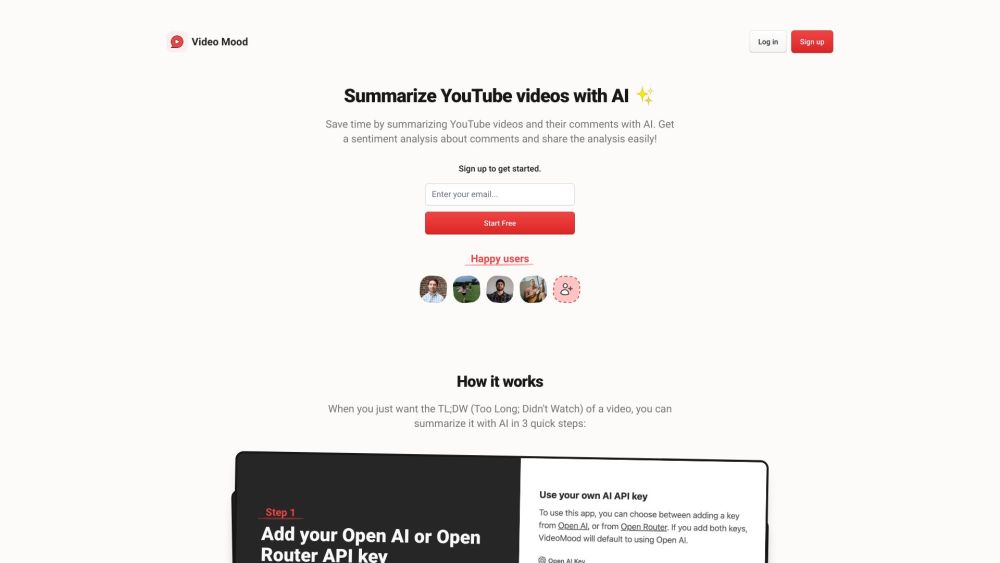
Video Mood Website screenshot

What is Video Mood?

Video Mood is a cutting-edge BYOK (Bring Your Own Key) AI tool designed to instantly extract key insights from YouTube videos. Leveraging advanced artificial intelligence, it transforms long-form video content into concise, actionable summaries—perfect for users who want to grasp the essence of a video without watching it in full.

How to use Video Mood?

Get instant video insights in just three simple steps: 1) Connect your preferred AI API key, 2) Input any YouTube video URL or ID, and 3) Receive a detailed summary and comment sentiment analysis within minutes. Whether you're researching, learning, or staying updated, Video Mood streamlines your workflow with lightning-fast processing.

🟢

Video Mood - Key Features

Key Features From Video Mood

AI-Powered Video Summarization

Instantly distill hours of video content into clear, readable summaries using state-of-the-art language models.

Comment Sentiment Analysis

Understand audience reactions by analyzing the emotional tone of top comments—know whether viewers are excited, critical, or neutral.

One-Click Sharing

Easily share summarized insights via link or export, making collaboration seamless across teams or social circles.

🟢

Video Mood - Frequently Asked Questions

FAQ from Video Mood

What is Video Mood?

Video Mood is a smart, AI-driven platform that summarizes YouTube videos instantly using your own OpenAI or OpenRouter API key—delivering fast, accurate insights on demand.

How to use Video Mood?

Simply link your API key, paste a YouTube video link, and let Video Mood generate a comprehensive summary and sentiment analysis in under a minute.

What API keys can be used with Video Mood?

Video Mood supports both OpenAI and OpenRouter API keys, giving you flexibility and control over your AI model usage.

How much does a video analysis usually cost?

Analysis costs are minimal—typically under one cent when using GPT-3.5 Turbo. For longer videos processed with GPT-4 Turbo, expect costs between $0.20 and $0.50.

How long does it take to get a video summary and comments analysis?

Most analyses are completed in approximately 60 seconds, depending on video length and model speed.

Can I share the video analysis with others?

Absolutely! Once generated, summaries can be shared instantly via a unique link or exported for presentations and reports.