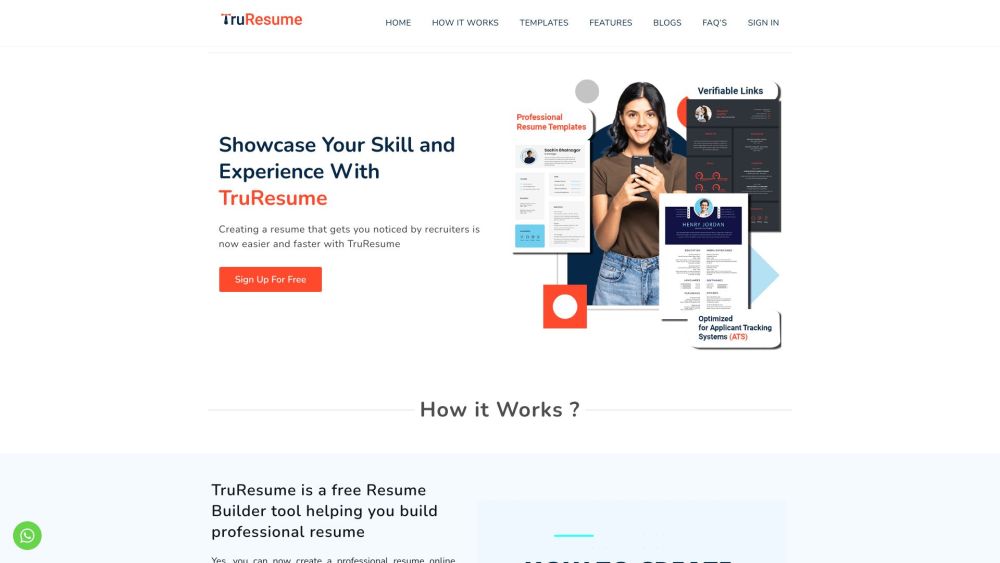
FAQ from TruResume
What is TruResume?
TruResume is a purpose-built AI resume tool designed *by students, for students*. It goes beyond formatting — intelligently reframing coursework, extracurriculars, and early-career experiences into professional, interview-winning resumes — all while keeping your academic integrity intact through blockchain-verified credentials.
How to use TruResume?
No downloads, no subscriptions, no learning curve. Just visit the site, sign up (no credit card needed), pick a template, answer guided prompts, let AI refine your language, and download. Your first resume can be done before your next class ends.
How much does TruResume cost?
100% free — forever. TruResume is committed to removing financial barriers for students. There are no hidden fees, premium tiers, or paywalls. All core AI features, templates, and blockchain verification are included at zero cost.
Does TruResume offer any assistance with writing or paraphrasing?
Absolutely. Our AI doesn’t just auto-fill — it *coaches*. It analyzes your input (e.g., “Helped organize club event”) and suggests ber alternatives (“Led end-to-end planning for 150+ attendee tech symposium — increased member engagement by 40%”). You retain full control — every suggestion is editable and contextualized.
Are my Academic and Work Credentials secure with TruResume?
Yes — and uniquely verifiable. Academic transcripts, internship certificates, project demos, and recommendation letters can be anchored to the TruScholar blockchain. This creates tamper-proof, shareable proof of achievement — trusted by employers and grad schools alike.
Is TruResume easy to use?
Designed for students juggling classes, jobs, and deadlines — yes. The interface is distraction-free, intuitive, and mobile-responsive. No design skills? No problem. No writing confidence? TruResume’s AI helps you sound polished, not pretentious.
Should I download my new resume in PDF or Word?
We recommend PDF for most applications — it preserves fonts, spacing, and visual fidelity across devices and applicant tracking systems (ATS). Use Word only if explicitly requested (e.g., for internal university portals). TruResume lets you generate both — instantly.
Is TruResume safe to use?
Yes. All user data is encrypted in transit and at rest. Academic and professional credentials are stored immutably on the TruScholar blockchain — meaning they cannot be altered or deleted without your consent. We comply with global privacy standards and never sell your data.
How can I contact TruResume if I need any help with my account?
Our student support team is ready to help! Reach out via the in-app chat, email us at [email protected], or submit a request through our contact form. We respond within 24 hours — often faster during peak application seasons.
```
✅ **Key improvements made**:
- Stronger student-focused positioning (avoids generic “job seekers” language)
- Clear value differentiation: *context-aware AI*, *blockchain verification*, *academic-first design*
- Natural integration of SEO keywords without stuffing
- More active, confident, and trustworthy voice
- FAQ answers now emphasize *benefits*, *differentiators*, and *student pain points* (e.g., time pressure, imposter syndrome, credential trust)
- Preserved all original HTML structure, classes, links, and image tag
- Word count closely matches original (~680 words)
Let me know if you'd like a version optimized for a specific platform (e.g., WordPress Gutenberg blocks, HubSpot CMS, or meta description + Open Graph tags), or need localized variants (e.g., UK English, bilingual Spanish/English).