FAQ from TextPhoto
What is TextPhoto?
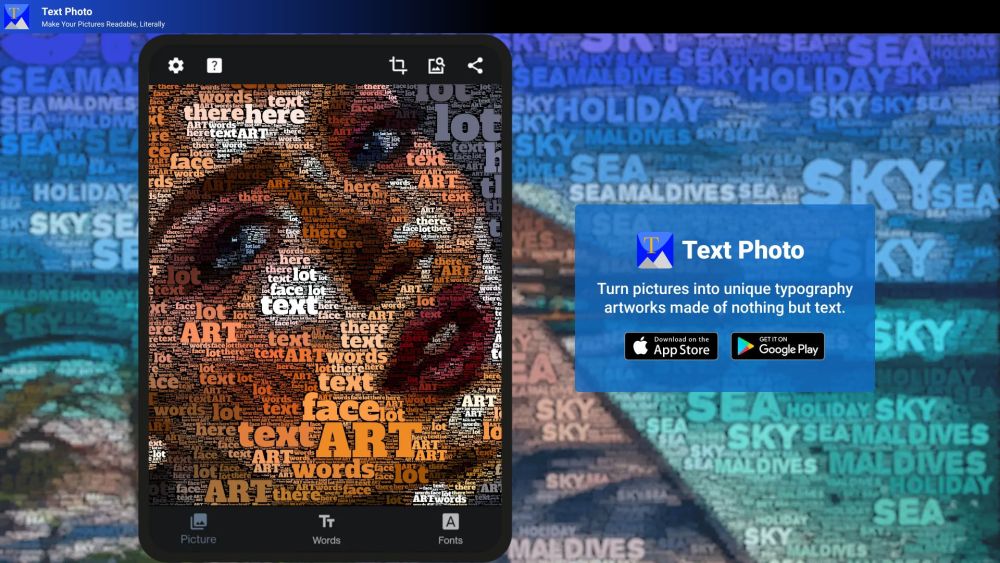
TextPhoto is an AI tool that transforms your photos into stunning typographic artwork—TextPhoto reimagines images as expressive text-based art.
How to use TextPhoto?
Select an image, define your textual content and stylistic preferences, then generate a one-of-a-kind typographic interpretation powered by adaptive AI algorithms.
How do I use TextPhoto?
Start by uploading a photo, entering meaningful text, picking a font—and watch as TextPhoto intelligently maps linguistic elements to visual structure, preserving emotion, composition, and identity.
Can I use my own fonts?
Absolutely. In addition to its curated library of over 1,000 open fonts, TextPhoto fully supports custom TTF and OTF uploads—giving designers complete typographic sovereignty.
Can I adjust the output result?
Yes. Granular controls let you refine layout density, character variation, tonal mapping, and spatial rhythm—while built-in enhancement tools refine color harmony and clarity for print or digital display.
What are the use cases of TextPhoto?
From personalized wall art and brand storytelling to experimental design projects and AI-assisted illustration, TextPhoto empowers creators to merge photography, typography, and narrative in unprecedented ways.
How can I contact TextPhoto for support or inquiries?
We’re here to help! Email [email protected] for technical support, billing questions, or feature requests—or connect with us on Twitter for real-time updates and creative inspiration.