What is TableSherpa ai chrome extension?
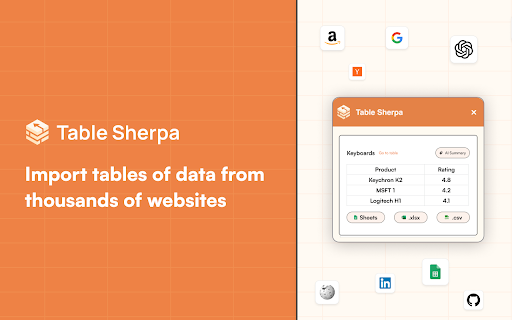
TableSherpa is a smart, lightweight AI-powered Chrome extension designed to detect, extract, and structure tabular content—whether generated by ChatGPT or embedded in any webpage—then deliver it cleanly into your preferred spreadsheet format: Google Sheets, Excel (.xlsx), or CSV.
How to use TableSherpa ai chrome extension?
1. Add TableSherpa from the Chrome Web Store and enable it in one click.
2. Navigate to a ChatGPT conversation or webpage containing tables—no manual copying required.
3. Click the TableSherpa icon, select the table(s) you need, and choose your destination: auto-sync to Google Sheets, download as Excel, or save as CSV.