Swift Reply

Swift Reply: Product Name ai tool LinkedIn posts

Product Name: Swift Reply, an ai tool powered by ChatGPT to craft unique, human-like LinkedIn comments and smart replies

🟒

Swift Reply - Introduction

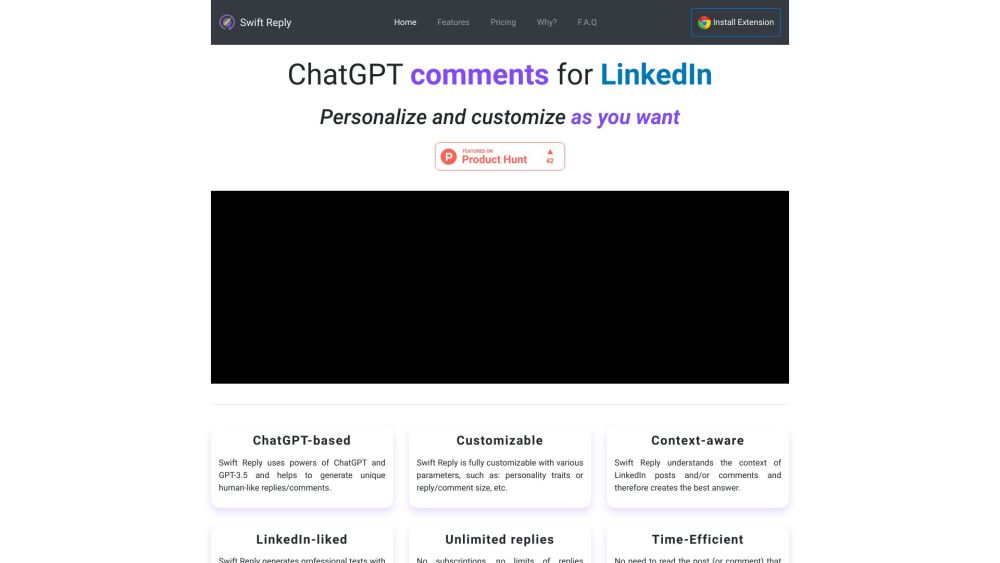
Swift Reply Website screenshot

What is Swift Reply?

Swift Reply is an AI-powered LinkedIn comment generator designed to make professional conversations easier. Using ChatGPT and GPT-3.5, it creates natural-sounding comments and smart replies tailored to LinkedIn posts and discussions. Its customizable settings help you shape each response around your preferred tone and length, making it easier to stay active without writing every comment from scratch.

How to use Swift Reply?

Start by installing the Swift Reply extension and adjusting its settings to suit your communication style. Choose personality preferences and select a short, standard, or longer response format. When you find a LinkedIn post or comment you want to engage with, use the extension to draft a context-sensitive reply. Swift Reply can generate a response in under 10 seconds. Review the suggestion, add any personal insights, and share it when it reflects what you want to say.

🟒

Swift Reply - Key Features

Key Features From Swift Reply

Personalized writing preferences

Adjust personality settings and response length to guide the AI toward comments that suit your professional voice.

Context-aware LinkedIn replies

Generate suggestions based on the discussion at hand, helping your comments stay relevant to the original post or conversation.

Clear, professional language

Create polished drafts for LinkedIn discussions, with an emphasis on readable wording and a professional tone.

Flexible reply lengths and unlimited generation

Choose brief acknowledgments or more detailed contributions. The supplied product description lists unlimited reply generation without subscription-based quantity limits.

Fast comment drafting

Reduce time spent composing replies with AI-generated suggestions delivered in less than 10 seconds.

Support for consistent engagement

Make it easier to participate regularly in professional conversations and create opportunities for meaningful profile interactions.

Swift Reply's Use Cases

Joining industry conversations

Draft relevant comments on LinkedIn posts to share your perspective and contribute to professional discussions.

Strengthening professional connections

Prepare personalized responses for networking exchanges, acknowledgments, and follow-up conversations.

Maintaining conversations around your content

Respond to comments on your own LinkedIn posts to keep discussions moving and support your personal brand.

Replying to potential leads

Use AI-assisted drafts to answer business inquiries promptly, then refine each response with the details the conversation requires.

🟒

Swift Reply - Frequently Asked Questions

FAQ from Swift Reply

What does Swift Reply do?

Swift Reply uses ChatGPT-powered AI to draft human-like LinkedIn comments and replies. It helps users produce context-sensitive responses while offering control over personality and message length.

How do I get started with Swift Reply?

Install the extension, configure your preferred writing settings, and use it when responding to a LinkedIn post or comment. Check the generated draft before publishing to ensure it matches your views and the discussion.

Can I customize the length of a reply?

Yes. Swift Reply supports short, standard, and longer responses, so you can choose a format that fits the conversation.