Speechy - Chrome Extension

Speechy - Chrome Extension: AI Tool for English Speech Enhancement

Speechy - Chrome Extension: An AI tool for real-time AI analysis to enhance English speech—install Speechy now!

🟢

Speechy - Chrome Extension - Introduction

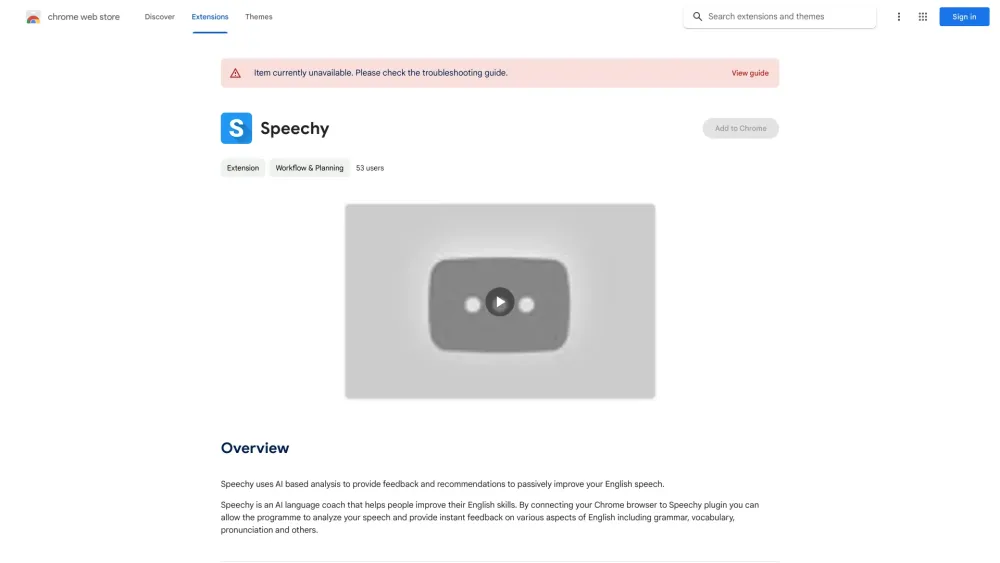
Speechy - Chrome Extension Website screenshot

What is Speechy ai chrome extension?

A smart, real-time AI companion that listens, evaluates, and refines your spoken English—right inside your browser.

How to use Speechy ai chrome extension?

Click the mic icon, speak naturally in English, and instantly get actionable insights on fluency, clarity, and intonation.

🟢

Speechy - Chrome Extension - Key Features

Key Features From Speechy ai chrome extension

Real-time AI speech analysis

Personalized corrective feedback

Targeted improvement recommendations

Speechy ai chrome extension's Use Cases

Mastering natural English pronunciation and rhythm

🟢

Speechy - Chrome Extension - Frequently Asked Questions

FAQ from Speechy - Chrome Extension

What is Speechy?

An intelligent, lightweight Chrome extension built to help learners speak English with greater confidence and accuracy—powered by cutting-edge speech recognition and linguistic AI.

How to use Speechy?

Install the extension, open any webpage (e.g., YouTube, Google Meet, or a language practice site), click the Speechy icon, and start speaking. Feedback appears within seconds.

How does Speechy provide feedback?

Using fine-tuned acoustic and phonetic models, Speechy evaluates your pronunciation, pacing, stress, and vowel/consonant articulation—then delivers clear, pedagogically grounded suggestions for growth.