Spatial Media Toolkit

Spatial Media Toolkit: AI Tool for 2D to Spatial Conversion

Spatial Media Toolkit: An AI tool to convert 2D photos and videos into immersive spatial media—fast, precise, and professional.

🟢

Spatial Media Toolkit - Introduction

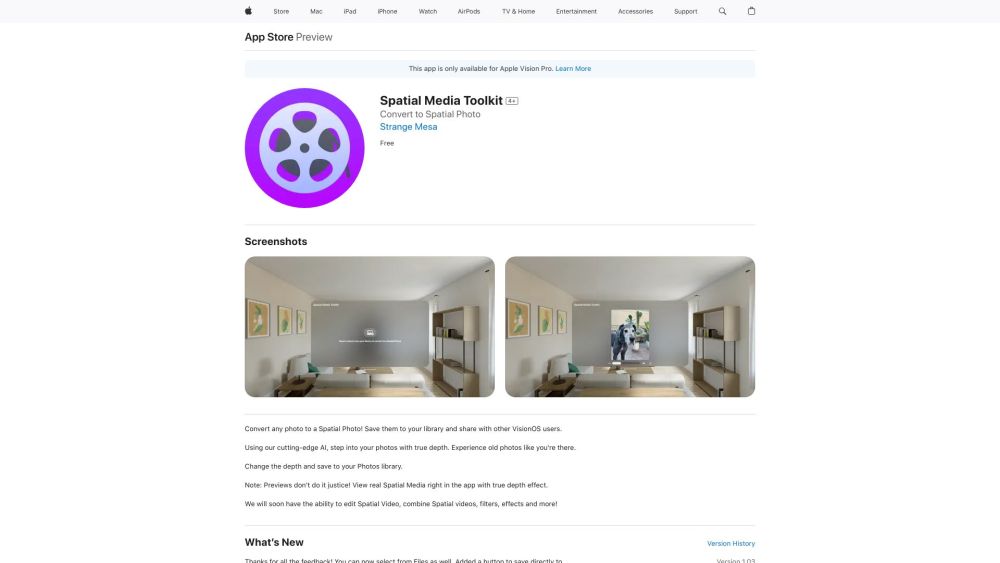
Spatial Media Toolkit Website screenshot

What is Spatial Media Toolkit?

Spatial Media Toolkit is a next-generation AI-powered platform designed to transform flat 2D visuals—photos and videos—into rich, dimensionally aware spatial media. Built for the era of spatial computing, it empowers creators, storytellers, and everyday users to breathe depth, presence, and interactivity into legacy and new content—effortlessly and at scale.

How to use Spatial Media Toolkit?

Get started in seconds: download the Spatial Media Toolkit app from the App Store, launch it on your compatible device, and import any 2D image or video from your library. With one tap, our proprietary depth-estimation AI analyzes scene geometry, lighting, and semantics to generate authentic spatial layers. Preview in real time, fine-tune perspective and parallax, then export as native Spatial Photo or Spatial Video formats—ready for VisionOS, AR glasses, or future spatial platforms.

🟢

Spatial Media Toolkit - Key Features

Key Features From Spatial Media Toolkit

AI-Powered 2D-to-Spatial Conversion

Real-time Depth Mapping & Refinement

Adjustable Depth Intensity & Focus Points

Spatial Media Toolkit's Use Cases

Revive Memories in Immersive 3D — Walk Through Your Past

Create Shareable Spatial Content for VisionOS Ecosystems

🟢

Spatial Media Toolkit - Frequently Asked Questions

FAQ from Spatial Media Toolkit

What is Spatial Media Toolkit?

A professional-grade AI tool that reimagines 2D media as spatial-native assets—enabling true volumetric perception without manual modeling or multi-camera setups.

How to use Spatial Media Toolkit?

Install the app, choose a photo or video, let the AI process it into a spatial-ready format with accurate depth cues, and export for viewing, editing, or sharing across spatial devices.

How can I convert a 2D photo to a Spatial Photo?

Select your image, apply the intelligent depth synthesis engine, preview the spatial effect from multiple angles, and save—no technical expertise required.