Skipper AI - Chrome Extension

Skipper AI - Chrome Extension: AI Tool to Skip YouTube Ads

Skipper AI - Chrome Extension: An AI tool Chrome extension to skip YouTube ads instantly—fast, reliable, and built into your browser.

🟢

Skipper AI - Chrome Extension - Introduction

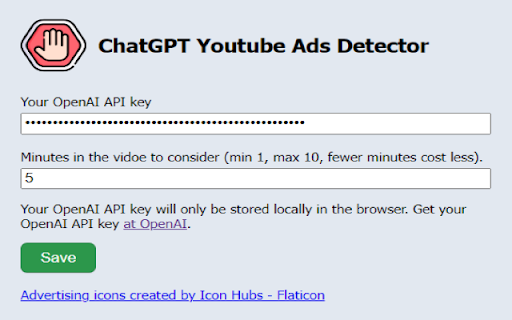
Skipper AI - Chrome Extension Website screenshot

What is Skipper AI Chrome Extension?

Skipper AI is a smart, lightweight Chrome extension powered by advanced AI models—including OpenAI's GPT architecture—that intelligently recognizes and bypasses YouTube’s pre-roll, mid-roll, and banner-style promotional ads in real time.

How to use Skipper AI Chrome Extension?

Simply add Skipper AI from the Chrome Web Store, enable it once installed, and enjoy YouTube without ad interruptions—no manual input, no delays, and zero impact on video quality or playback speed.

🟢

Skipper AI - Chrome Extension - Key Features

Key Features From Skipper AI Chrome Extension

Real-time AI-powered ad classification

One-click activation with persistent background detection

Privacy-first design—no video data leaves your browser

Skipper AI Chrome Extension's Use Cases

Maintaining focus during educational or tutorial videos on YouTube

🟢

Skipper AI - Chrome Extension - Frequently Asked Questions

FAQ from Skipper AI - Chrome Extension

What is Skipper AI?

A next-generation browser extension that leverages cutting-edge AI to autonomously detect and skip YouTube ads—designed for speed, accuracy, and user control.

How to use Skipper AI?

After installation, Skipper AI runs silently in the background. It activates automatically on YouTube pages, scanning for ad markers and skipping them before they play—so your viewing flow stays seamless.

How does Skipper AI identify YouTube promotional ads?

Using contextual analysis and behavioral pattern recognition trained via large-language models, Skipper AI distinguishes ad segments from organic content by evaluating metadata, UI elements, timing cues, and audio-visual signatures—all processed locally in-browser.