FAQ from ShortcutsGPT
What is ShortcutsGPT?
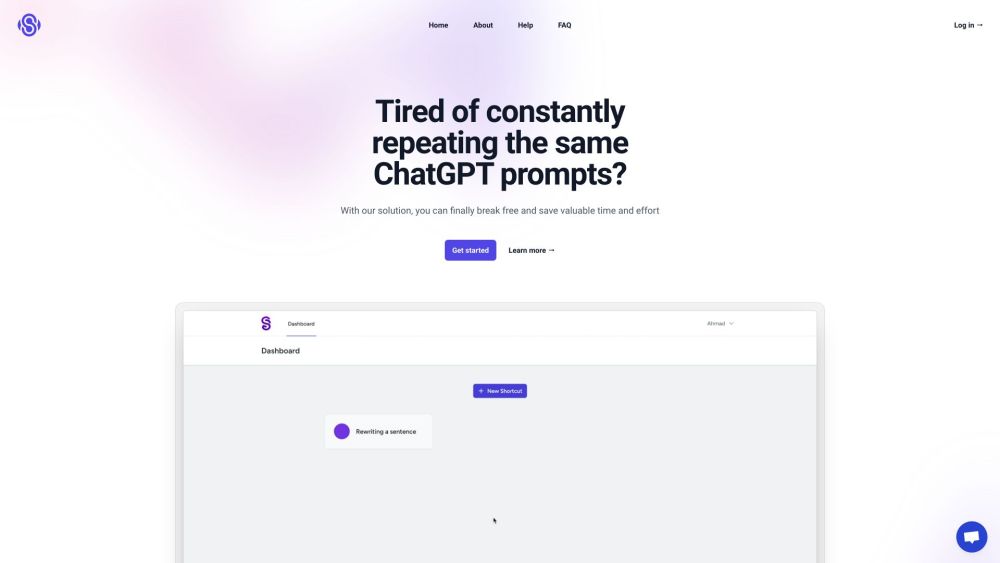
ShortcutsGPT is a smart, user-friendly interface designed to supercharge your ChatGPT experience. By replacing repetitive manual inputs with one-click commands, it makes AI interactions faster, cleaner, and more productive.
How to use ShortcutsGPT?
Just pick a shortcut from the menu that matches your goal—like paraphrasing, brainstorming, or learning a language—and let the system handle the rest. Each shortcut automatically sends a well-crafted prompt, so you get precise results with minimal effort.
How does ShortcutsGPT work?
Behind the scenes, each shortcut triggers a pre-optimized instruction sent directly to ChatGPT's engine. This ensures consistent formatting and context, helping generate clearer, more accurate responses every time.
What are the advantages of using ShortcutsGPT?
ShortcutsGPT cuts down on redundant typing, reduces errors in prompting, and improves output quality through standardized inputs. It’s ideal for professionals, students, and anyone who uses AI regularly and values speed and reliability.
Are the responses generated by ShortcutsGPT reliable?
Since ShortcutsGPT leverages OpenAI’s powerful ChatGPT model, responses are generally accurate and context-aware. However, as with any AI system, occasional inaccuracies may occur. Always review critical outputs before final use.
What about the privacy of my interactions on ShortcutsGPT?
User privacy is a top priority. By default, no personal data or conversation history is stored. Users can optionally enable session history for convenience, but all data remains under user control. For full details, see our privacy policy on the website.