Share by ChatGPT

Share by ChatGPT: AI Tool to Summarize & Share

Share by ChatGPT: An AI tool browser extension to summarize web pages with ChatGPT and share summaries instantly on social media.

🟢

Share by ChatGPT - Introduction

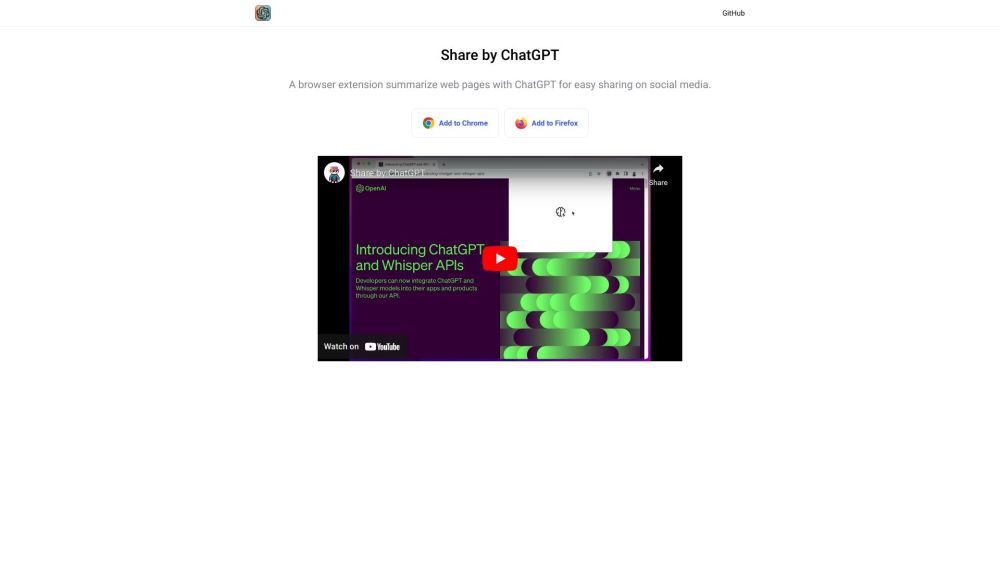
Share by ChatGPT Website screenshot

What is Share by ChatGPT?

Share by ChatGPT is a lightweight, intelligent browser extension that transforms how you consume and distribute online content—leveraging the power of ChatGPT to distill any webpage into a clear, concise summary in seconds, then enabling one-click sharing across social platforms.

How to use Share by ChatGPT?

Install the extension for Chrome or Firefox in under 30 seconds. Once active, navigate to any article, blog, or news site—and with a single click on the toolbar icon—trigger an AI-powered summary. Review, refine, and publish your distilled insight directly to Twitter (X), Facebook, LinkedIn, or other supported networks—no copy-pasting required.

🟢

Share by ChatGPT - Key Features

Key Features From Share by ChatGPT

One-click page summarization powered by ChatGPT's natural language understanding

Real-time editing interface for customizing tone, length, and focus before sharing

Built-in social media integrations for instant cross-platform publishing

Cross-browser compatibility—optimized for Chrome and Firefox with seamless performance

Share by ChatGPT's Use Cases

Turn breaking news stories into tweet-sized takeaways—ideal for journalists and content curators

Extract core insights from long-form marketing blogs and repurpose them as engaging LinkedIn posts

Simplify technical documentation or product pages into shareable customer-facing highlights

Accelerate academic research workflows by summarizing papers and sharing key findings with peers

🟢

Share by ChatGPT - Frequently Asked Questions

FAQ from Share by ChatGPT

What is Share by ChatGPT?

A smart, privacy-conscious browser extension that uses ChatGPT to summarize web content on demand—and empowers users to share those summaries instantly, authentically, and effectively across social channels.

How to use Share by ChatGPT?

After installing the extension, visit any webpage, click the Share by ChatGPT icon, wait for the AI to generate a polished summary, make optional tweaks, and hit “Share” to post directly to your chosen platform—all without leaving the browser.