RemoveBackgroundsAI

RemoveBackgroundsAI: AI Tool for Video Background Removal

RemoveBackgroundsAI: This ai tool removes video backgrounds with precision, especially for people—fast, accurate, powered by Product Name.

🟢

RemoveBackgroundsAI - Introduction

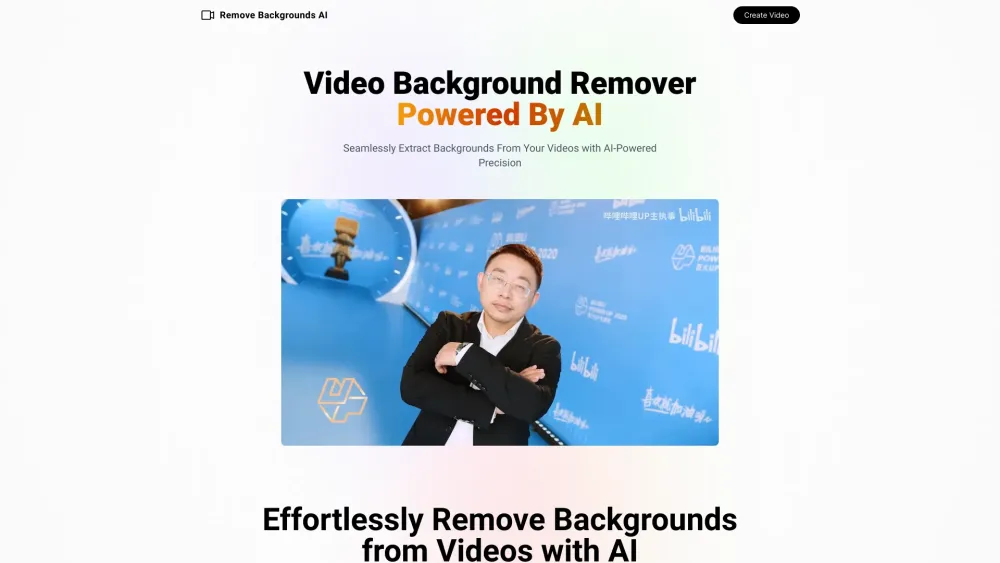
RemoveBackgroundsAI Website screenshot

What is RemoveBackgroundsAI?

RemoveBackgroundsAI is an advanced artificial intelligence-powered platform designed to seamlessly eliminate video backgrounds, with a specialized focus on human subjects. By leveraging cutting-edge AI technology, it delivers crisp, accurate results that make videos look professionally edited—without requiring any manual effort or complex software skills.

How to use RemoveBackgroundsAI?

Using RemoveBackgroundsAI is simple and intuitive. Just upload your video file featuring a clearly visible person, and the AI will automatically detect the subject and strip away the background in moments. Once processed, you can download the high-quality output with a transparent background, ready for use across various platforms.

🟢

RemoveBackgroundsAI - Key Features

Key Features From RemoveBackgroundsAI

Smart AI-driven subject detection

Fast processing with studio-grade precision

RemoveBackgroundsAI's Use Cases

Producing polished marketing content with dynamic visuals

Improving virtual meetings and presentation videos with clean, distraction-free backdrops

  • RemoveBackgroundsAI Support Email & Customer service contact & Refund contact etc.

    For assistance, reach out via the official support email: [email protected].

  • RemoveBackgroundsAI Twitter

    Follow us on Twitter for updates and tips: https://twitter.com/francis_vesica

🟢

RemoveBackgroundsAI - Frequently Asked Questions

FAQ from RemoveBackgroundsAI

What is RemoveBackgroundsAI?

It's an AI-powered tool that removes video backgrounds automatically, optimized for videos containing people to ensure maximum accuracy and visual quality.

How to use RemoveBackgroundsAI?

Upload your video, allow the AI to process the frames and isolate the subject, then download your background-free result—all within minutes and with no editing experience required.

How does the background removal process work?

The system uses deep learning models to analyze each frame of the video, identify the primary subject (especially humans), and precisely remove the surrounding background while preserving fine details like hair and motion.