PRTY

PRTY: Smart AI Tool for Personal Scheduling

PRTY: Your personal AI scheduling assistant—smart, intuitive ai tool that optimizes time. PRTY redefines productivity.

🟢

PRTY - Introduction

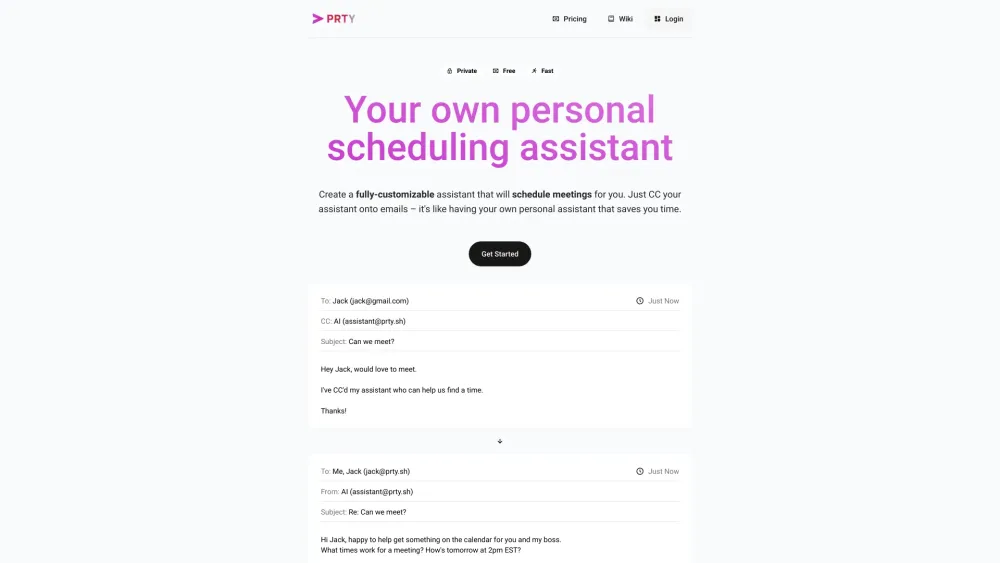
PRTY Website screenshot

What is PRTY?

PRTY is a smart AI tool for personal scheduling—designed to understand your habits, priorities, and constraints so it can autonomously manage your time with human-like intuition.

How to use PRTY?

Set up your AI scheduler in under 60 seconds: connect your calendar, define your availability and preferences, then simply CC [email protected] on any scheduling email. PRTY reads context, negotiates timing, sends invites, and confirms—all without back-and-forth.

🟢

PRTY - Key Features

Key Features From PRTY

Smart Event Coordination

Pre-Meeting Briefings

Email-to-Event Forwarding

One-Click Rescheduling

Cross-Platform Sync

PRTY's Real-World Use Cases

Automate team meeting setup across time zones

Receive concise, AI-summarized briefings before every event

Add appointments instantly by forwarding invitation emails

Shift an entire day’s agenda with a single command

Seamlessly unify Google Calendar, Outlook, Zoom, Teams, and Google Meet

  • PRTY Support & Contact Information

    Reach our support team anytime at [email protected] — whether you need onboarding help, billing assistance, or a refund request.

  • About PRTY Company

    PRTY is built by Parity, a team of AI researchers and productivity engineers focused on making intelligent time management accessible, ethical, and effortless.

  • PRTY Pricing Plans

    Explore flexible, transparent pricing—including free tier options and scalable plans for professionals and teams—at https://ccparity.com/pricing.

🟢

PRTY - Frequently Asked Questions

FAQ from PRTY

What is PRTY?

PRTY is not just another calendar app—it’s your proactive, learning AI scheduler that adapts to how *you* work, not the other way around.

How to use PRTY?

No downloads or complex setup: authorize calendar access, set your working hours and response style (e.g., “formal,” “concise,” “always confirm with manager”), then start CC’ing your AI assistant on scheduling emails.

How does PRTY work?

Using natural language understanding and real-time calendar intelligence, PRTY interprets intent from email threads, checks availability across participants, proposes optimal slots, drafts professional replies, and books confirmed events—while preserving your privacy and control.

What platforms is PRTY compatible with?

Fully integrated with Google Workspace and Microsoft 365 ecosystems—including Gmail, Outlook Mail, Google Calendar, Outlook Calendar, Zoom, Microsoft Teams, and Google Meet—with bi-directional sync and conflict-aware updates.

Can I request new features?

Absolutely. Every feature in PRTY started as user feedback. Email [email protected] with your suggestions—we review them weekly and ship high-impact ideas fast.