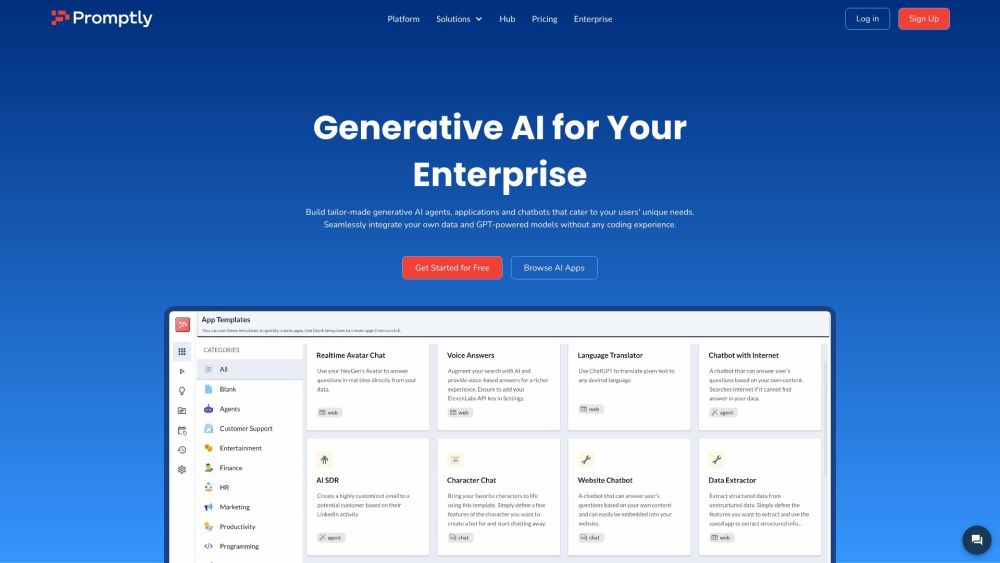
FAQ s, or live web content for accurate, context-aware responses.
Promptly's Use Cases
Custom ChatGPT Bots
Design personalized AI assistants trained on your own content, perfect for support, onboarding, or internal knowledge access.
Creative Story Generator
Generate engaging narratives, scripts, or children's stories with tailored tone and structure at the click of a button.
Voice-Enabled Storytelling
Bring written stories to life using AI voice synthesis, ideal for audiobooks, educational tools, or interactive experiences.
FAQ from Promptly
What is Promptly?
Promptly is a no-code platform that enables anyone to build generative AI apps and automated workflows quickly and intuitively—without technical expertise.
How to use Promptly?
Select your desired LLM, import your data, and configure AI agents to handle specific tasks such as customer service automation, content generation, or form processing—all through a visual builder.
What can I build with Promptly?
You can create AI-powered web apps, custom chatbots, Slack bots, and Discord integrations. These apps can be embedded into your website or connected to collaboration platforms, all fueled by your unique data.
Can I use Promptly without putting in my payment information?
Yes! Promptly offers a free tier that lets you sign up with just your email—no credit card needed. While usage limits apply, it's a great way to explore core features risk-free.
Can I use APIs to integrate with Promptly?
Absolutely. Promptly provides robust APIs for managing data, triggering endpoints, and streaming responses in real time. This allows developers to extend functionality and embed AI capabilities into existing systems. Learn more at https://docs.trypromptly.com/apis/.
How do I embed Promptly chatbot in my website?
Navigate to the App Editor, click “Embed on your Website,” copy the provided code snippet, and paste it into your site’s HTML. Remember to whitelist your domain in the app settings to ensure secure embedding.