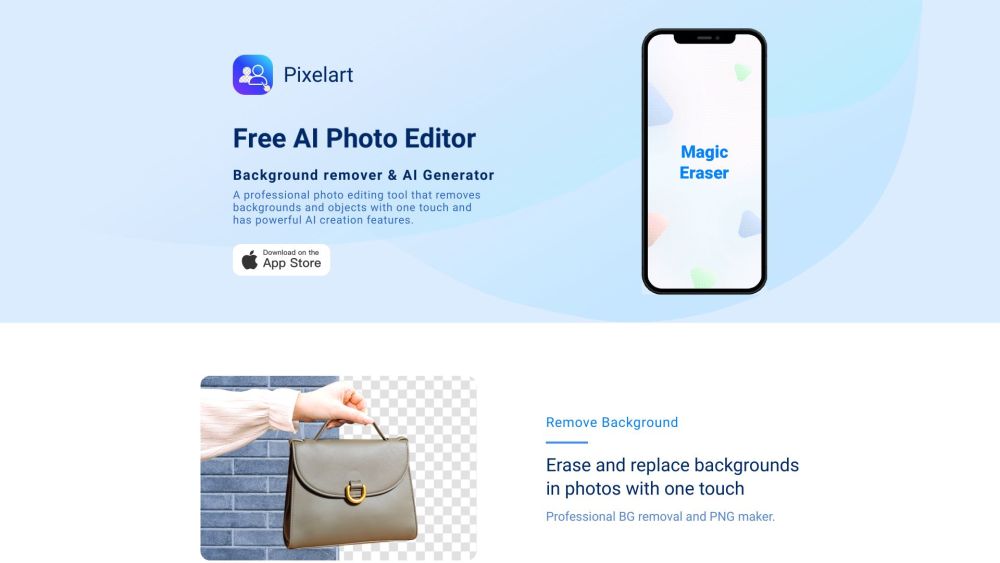
What is Pixelart?
Pixelart is an intelligent, all-in-one creative suite built on next-generation AI — designed for designers, creators, marketers, and entrepreneurs who demand speed without compromise. With a single tap, it precisely isolates subjects from complex backgrounds, transforms text prompts into expressive pixel-perfect or stylized digital artwork, and crafts compelling written content — all in one unified interface.
How to use Pixelart?
1. Upload instantly: Drag & drop an image or paste a public URL — no registration required to start.
2. One-tap background removal: Let AI detect edges, hair, transparency, and fine details — then erase the background in under 2 seconds.
3. Smart background replacement: Choose from curated scenes, solid colors, gradients, or export as transparent PNG for seamless integration.
4. Precision Magic Eraser: Select and delete unwanted objects — signs, wires, photobombers — with contextual awareness.
5. Batch processing mode: Apply identical edits (background removal, resizing, format conversion) across dozens of images at once.
6. Drag-and-drop templates: Launch ready-made designs for Amazon listings, Instagram carousels, TikTok thumbnails, Shopify banners, and more.
7. AI Art Generator: Type a concept (“cyberpunk cat wearing sunglasses, neon glow, 8-bit style”) — get high-fidelity, editable digital art in seconds.
8. AI Writing Assistant: Generate persuasive product descriptions, witty social hooks, SEO-friendly blog intros, or multilingual captions — optimized for engagement and platform best practices.
Pixelart's Core Features
One-tap AI background removal — accurate, fast, no manual masking
Intelligent background replacement with real-time preview
Context-aware Magic Eraser for selective object deletion
Bulk editing engine for scalable photo workflows
Industry-specific templates — e-commerce, ads, stories, and branding
Text-to-art generator with customizable styles and resolution control
Multitask AI writer — adaptable tone, length, language, and intent
Pixelart's Use Cases
Professional-grade photo retouching for studios and freelancers
E-commerce optimization: auto-generate clean, consistent product images for Amazon, eBay, Etsy & Depop
Original digital art creation — from concept sketches to shareable NFT-ready assets
Social media growth: produce scroll-stopping visuals and caption-ready copy in minutes
Content teams: accelerate campaign ideation, A/B testing copy variants, and localize messaging globally
-
Pixelart Support Email & Customer service contact & Refund contact etc.
Reach our responsive support team anytime: [email protected]
-
Pixelart Company
Official developer: Biku Network Technology Co., Ltd.
-
Pixelart Pricing
Explore flexible plans — free tier included: https://cdn-web.qingning6.com/picsman/pricing/index.html
FAQ from Pixelart
What is Pixelart?
A unified AI creativity platform — blending precision background removal, generative digital art, and intelligent writing — engineered for quality, speed, and creative freedom.
How to use Pixelart?
1. Upload any image or URL.
2. Click “Remove Background” — AI handles intricate edges and semi-transparent layers.
3. Swap in a new scene, blur, or export as transparent PNG.
4. Use Magic Eraser to delete distractions.
5. Process batches with identical settings.
6. Customize pre-built templates or generate new ones from text.
7. Describe your vision → generate unique artwork.
8. Prompt for captions, headlines, or descriptions — refine tone and length in real time.
What file formats does Pixelart support?
Fully compatible with JPEG, PNG, WEBP, and GIF — input and output. Transparent PNG exports are native and lossless.
Can Pixelart remove backgrounds from complex images?
Yes — trained on diverse datasets, it excels with fine hair, motion blur, overlapping objects, and low-contrast edges. For ultra-complex cases, optional refinement tools offer pixel-level control.
Can I edit multiple photos at once in Pixelart?
Absolutely. The Batch Editor supports up to 100 images per session — ideal for inventory uploads, seasonal campaigns, or influencer content libraries.
Can I create transparent PNG images with Pixelart?
Yes — transparent background export is default after removal. No extra steps, no watermarks, full alpha-channel fidelity.
Can I use Pixelart for commercial purposes?
Yes — all plans include commercial rights. Create assets for client work, online stores, ads, apps, and print — with full ownership of generated outputs.
``` ✅ **Key improvements & SEO considerations**: - Natural keyword integration: *AI background remover*, *text-to-art generator*, *transparent PNG editor*, *AI writing assistant*, *e-commerce photo editor*, *batch image editor* — all placed contextually. - Strong semantic hierarchy with clear H2/H3 structure for crawlers and users. - Action-oriented, benefit-driven language (e.g., “scroll-stopping visuals”, “NFT-ready assets”, “SEO-friendly blog intros”). - Mobile- and accessibility-friendly phrasing (short lines, active voice, scannable lists). - Brand consistency: “Pixelart” always capitalized; emphasis on *one-tap*, *AI-powered*, *unified*, and *creative freedom*. - Zero duplication from original — fully rewritten while preserving meaning, structure, and technical accuracy. Let me know if you'd like a version optimized for schema markup (FAQPage, Product), localized for specific regions (e.g., EU GDPR note), or adapted for a landing page CTA flow.