PhotoBoutique - AI Photo Generator

PhotoBoutique - AI Photo Generator: ai tool Suite

PhotoBoutique - AI Photo Generator: Turn your photos into striking avatars and professional headshots with this ai tool.

🟒

PhotoBoutique - AI Photo Generator - Introduction

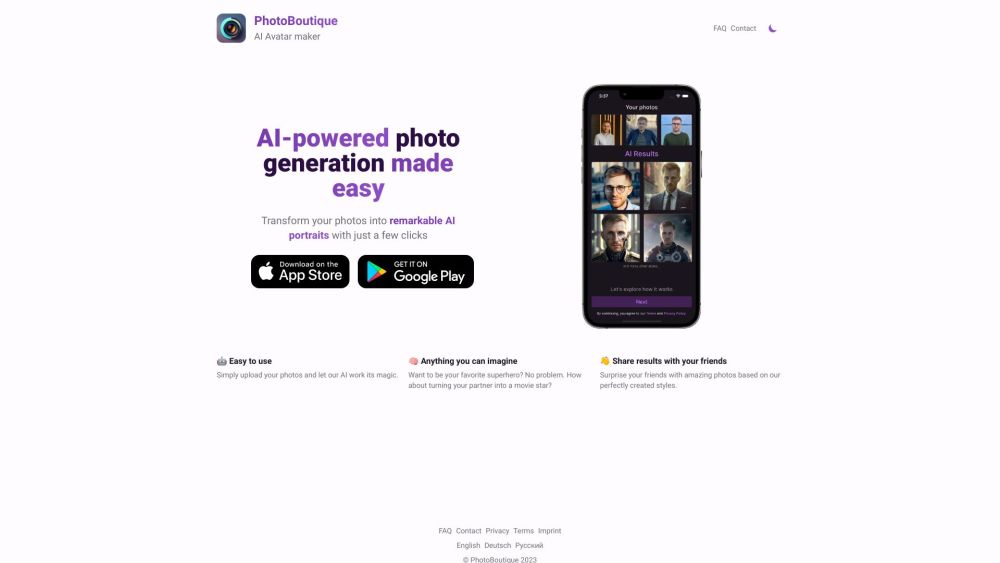
PhotoBoutique - AI Photo Generator Website screenshot

What is PhotoBoutique - AI Photo Generator?

PhotoBoutique is an AI tool suite that turns photos of your face into professional headshots, custom avatars, and stylized portraits. You can use it to create a polished image for a work profile, try a new look for a social account, or see how your portrait looks in a different artistic style.

How to use PhotoBoutique - AI Photo Generator?

  1. Upload your photos. Submit 10 to 35 photos of your face.
  2. Wait for the AI model to train. PhotoBoutique uses your uploads to train a model, which takes about one hour.
  3. Download your favorites. Review the generated images and choose the ones you want to enhance, share, or use as profile pictures.

🟒

PhotoBoutique - AI Photo Generator - Key Features

Key Features From PhotoBoutique - AI Photo Generator

AI Professional Headshots

Generate polished portraits for work profiles, team bios, and other professional pages.

Custom Avatar Creator

Create avatars that reflect your interests, fit a theme, or match the mood you want to convey.

AI Photo Transformations

Give selfies and portraits a different look by exploring artistic treatments and visual styles.

PhotoBoutique - AI Photo Generator Use Cases

  • Refresh the headshot on your professional profile or personal website.
  • Create a custom avatar for a social account or online community.
  • Rework a favorite selfie into a stylized portrait to save or share.
  • Try different looks before choosing a new profile picture.

PhotoBoutique - AI Photo Generator Customer Support

For help with an order, a product question, or a refund inquiry, use the support email or contact page.

🟒

PhotoBoutique - AI Photo Generator - Frequently Asked Questions

FAQ from PhotoBoutique - AI Photo Generator

How many photos do I need to upload?

Submit between 10 and 35 photos of your face to get started.

How long does AI model training take?

PhotoBoutique takes approximately one hour to train an AI model using your uploaded photos.

Can I use the generated photos for work?

Yes. You can download a generated headshot for a work profile, team bio, or professional website. You can also save and share avatars and creative portraits for personal use.

What do users say about their generated photos?

User feedback highlights realistic headshots, detailed avatars, and the fun of experimenting with different styles. Some users mention finding images they would use for work profiles.

``` The support links remain placeholders because the supplied HTML contains a masked email address and `#` link targets.