FAQ from Photo AI
What is Photo AI?
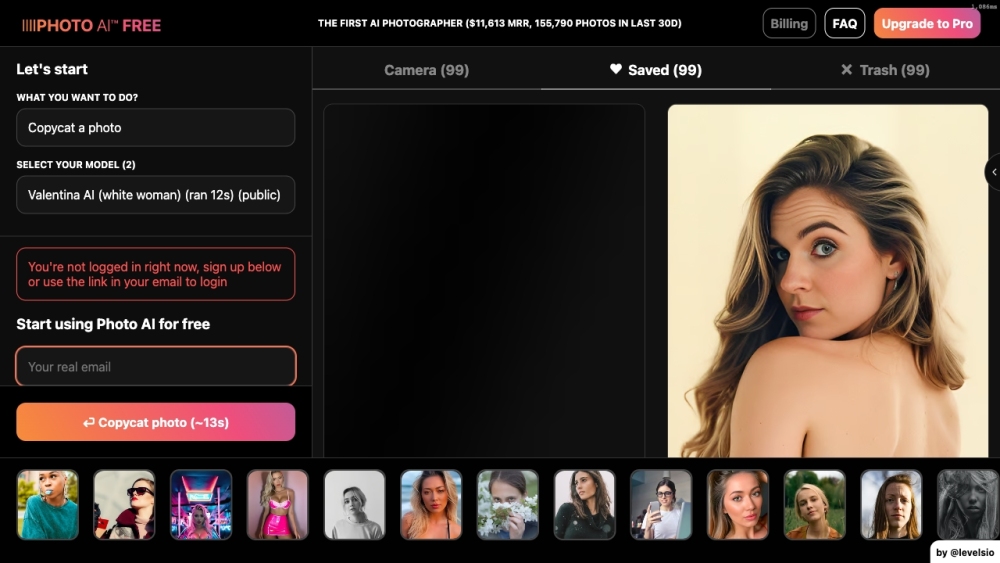
Photo AI is an AI-powered image generation platform that enables users to create realistic, high-resolution photos of themselves using artificial intelligence—no camera required. It's ideal for personal, creative, and commercial use cases where authentic visuals are essential.
How to use Photo AI?
Upload at least 10–20 varied photos of yourself (selfies, full-body shots, different outfits), complete the AI training process, then start generating custom images. You can place your AI likeness in new environments, change outfits via image prompts, and edit outputs with the Magic Editor.
How does Photo AI work?
The platform uses deep learning models to analyze your uploaded photos and learn your unique facial features, body proportions, and expressions. Once trained, it generates new, photorealistic images based on text or image-based prompts, allowing you to simulate real photo shoots in any setting.
How much does Photo AI cost?
Photo AI offers flexible pricing plans: Pro at $29/month, Premium at $99/month, and Business at $299/month. Annual subscriptions include two months free, and all plans allow cancellation at any time with no long-term commitment.
Do you have an affiliate program?
Yes, Photo AI runs a referral program that rewards members with a 20% commission on every paid subscription from users they refer—making it easy to earn while sharing a powerful creative tool.
What type of photos should I upload for creating an AI character?
For best results, upload high-quality images showing your face clearly in various poses, lighting conditions, and attire. Include close-ups and full-body shots. Avoid blurry images, sunglasses, hats that obscure your face, group photos, or pictures where your face isn't fully visible.
What file formats of photos do you accept for creating an AI character?
Supported formats include JPG, PNG, WebP, and AVIF. HEIC files (commonly used by iPhones) must be converted to JPG before uploading, as they are currently not supported.
How long does it take to create an AI character?
Average processing time for AI character creation is around 30 minutes, depending on system load and the quality of the uploaded images.