phind.com - Chrome Extension

phind.com - Chrome Extension: AI tool for devs

phind.com - Chrome Extension: AI tool for developers—get instant, AI-powered answers while browsing. phind.com - Chrome Extension

🟢

phind.com - Chrome Extension - Introduction

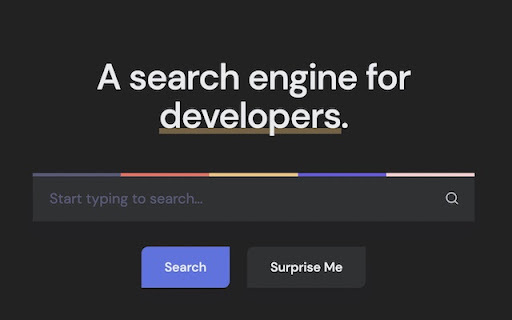
phind.com - Chrome Extension Website screenshot

What is phind.com - Chrome Extension?

A lightweight, AI-powered browser extension designed specifically for developers—delivering precise, context-aware answers and production-ready code snippets directly within your Chrome workflow.

How to use phind.com - Chrome Extension?

Install the extension from the Chrome Web Store, click the Phind icon while browsing any dev-related page—or use the keyboard shortcut (Ctrl/Cmd+Shift+P)—and ask your question. Get intelligent, citation-backed responses without leaving your tab.

🟢

phind.com - Chrome Extension - Key Features

Key Features From phind.com - Chrome Extension

Real-time, browser-native AI assistance

Code-first answers with syntax-highlighted, copyable snippets

Contextual awareness—understands docs, GitHub repos, and error messages you're viewing

phind.com - Chrome Extension's Use Cases

Debugging errors faster by asking directly from stack traces or console logs

Learning new frameworks or APIs through interactive, example-driven explanations

🟢

phind.com - Chrome Extension - Frequently Asked Questions

FAQ from phind.com - Chrome Extension

What is phind.com?

An AI search engine built *by* developers *for* developers—optimized to understand technical intent, prioritize correctness over verbosity, and surface authoritative sources alongside executable code.

How to use phind.com?

After installing the Chrome extension, activate it on any webpage with a single click or hotkey—then type natural-language questions like “How do I fix ‘Cannot read property of undefined’ in React?” and receive tailored, actionable answers instantly.

How accurate are the answers provided by phind.com?

Phind leverages state-of-the-art reasoning models fine-tuned on developer documentation, Stack Overflow, GitHub, and official SDKs—cross-referencing multiple sources to validate logic and flag potential edge cases or deprecations.