PDFtoTest

PDFtoTest: Product Name ai tool for exam

PDFtoTest: Product Name's ai tool creates smart tests and exams from PDFs instantly, accurately, and effortlessly today!

🟒

PDFtoTest - Introduction

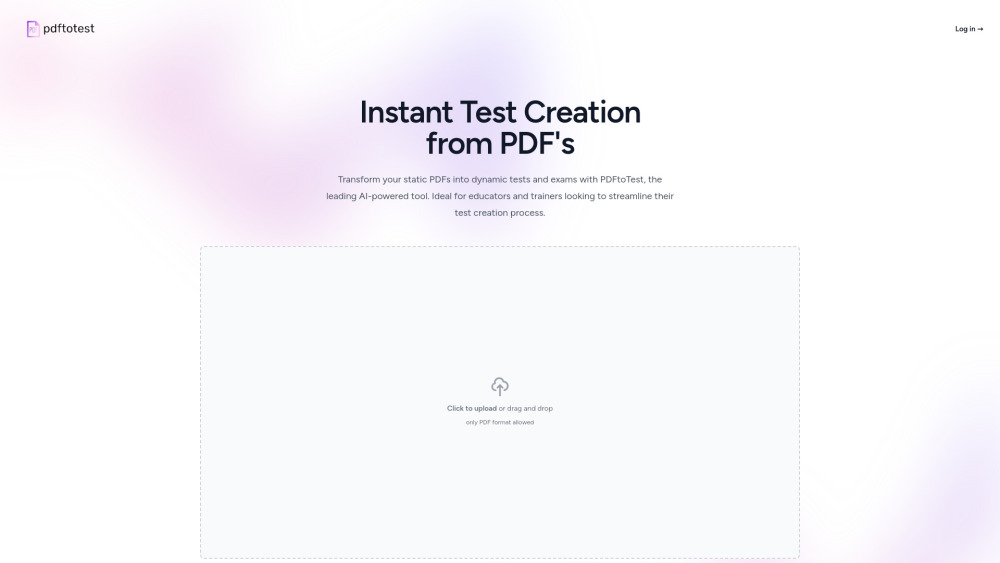
PDFtoTest Website screenshot

What is PDFtoTest?

PDFtoTest is an AI tool for exams that transforms information from PDF files into ready-to-use tests and quizzes. It helps teachers, trainers, and other users turn study materials, course notes, manuals, and reference documents into structured assessments without having to write every question manually. After uploading a document, users can configure the assessment according to their preferred question count and format.

How to use PDFtoTest?

Start by uploading the PDF you want to use as the source material. PDFtoTest analyzes the document and allows you to select how many questions should be included in the final test. You can also choose a question style, such as multiple choice, true or false, or short answer. Once the settings are selected, the AI creates an exam based on the content of the uploaded file, giving you a convenient draft that can be reviewed and adjusted before use.

🟒

PDFtoTest - Key Features

Key Features From PDFtoTest

AI-generated tests from PDF documents

Create assessment questions from existing PDFs instead of starting with a blank page. The tool uses the source document to generate a test aligned with the material provided.

Flexible exam customization

Adjust the number of questions and select the format that fits your learning or training goals. This makes it easier to prepare quick quizzes as well as more detailed exams.

Simple PDF-based workflow

PDFtoTest brings document upload, question generation, and test preparation into one streamlined process, helping reduce repetitive assessment work.

Useful for different types of learning content

The platform can be used with educational resources, training guides, revision documents, and other PDF materials that contain information suitable for assessment.

PDFtoTest's Use Cases

Prepare classroom quizzes from lesson materials

Educators can convert lesson PDFs and reading materials into practice questions for classroom activities, homework, or exam preparation.

Build assessments for employee training

Trainers can use manuals and instructional documents to create knowledge checks for onboarding, professional development, and internal learning programs.

🟒

PDFtoTest - Frequently Asked Questions

FAQ from PDFtoTest

What is PDFtoTest used for?

PDFtoTest is designed to generate quizzes and exams from PDF documents. It can help users convert existing learning or training content into structured assessments.

Can I choose the type and number of questions?

Yes. Users can specify the approximate number of questions and select available formats such as multiple choice, true or false, and short answer.

Is PDFtoTest suitable for teachers and trainers?

Yes. The tool can support teachers, tutors, instructors, and workplace trainers who need to create assessments from documents they already use.

Can PDFtoTest process PDFs containing images or diagrams?

PDFtoTest can work with PDF files that include visual elements, although the generated questions are primarily text-based. Images and diagrams may need to be reviewed or incorporated manually when they are central to the assessment.

FAQ from PDFtoTest

What is PDFtoTest?

PDFtoTest is an AI-powered exam creation tool that turns PDF content into quizzes, tests, and other structured assessments.

How does PDFtoTest create an exam?

Users upload a PDF, select the desired question settings, and let the platform generate questions based on the document's content.

Who can benefit from PDFtoTest?

Teachers, tutors, students, course creators, and workplace trainers can use PDFtoTest to prepare assessments from existing documents.

Does PDFtoTest support different question formats?

Yes. Depending on the selected settings, users can create formats such as multiple choice, true or false, and short-answer questions.