FAQ from Paint Potion
What is Paint Potion?
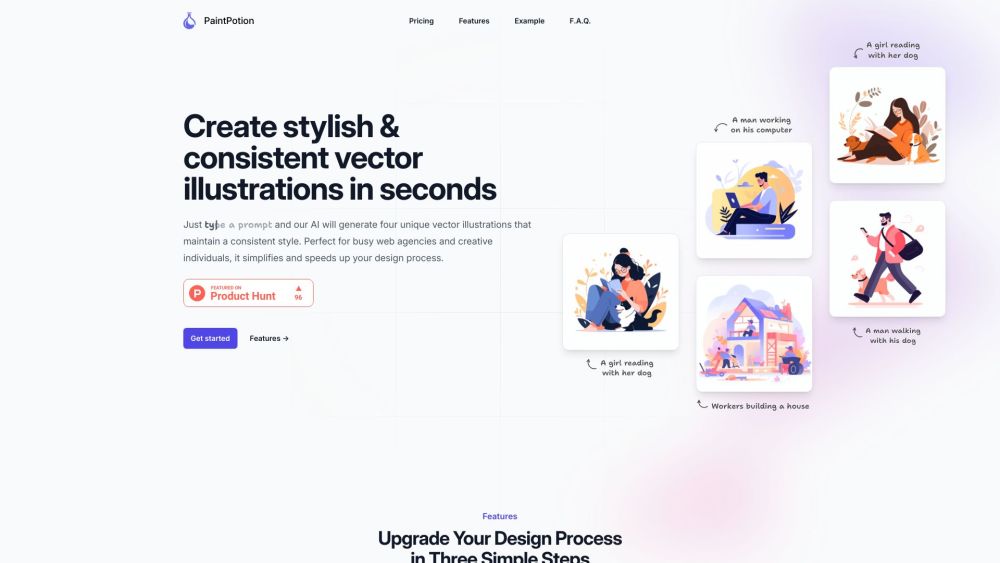
A specialized AI tool that transforms plain-text prompts into *four cohesive, editable vector illustrations*—all generated in one go and ready for branding, UI, or marketing use. It bridges the gap between generative AI and professional vector workflows.
How to use Paint Potion?
Type a clear, visual description → hit generate → instantly receive four matching vector concepts. No sliders, no seed tweaking, no style prompts required. Just intuitive, outcome-focused creation.
What is the difference with DALL·E or MidJourney?
Those tools produce raster images—even when styled like vectors. Paint Potion goes further: it generates *true vector outputs* (SVG) natively, with clean paths, scalable geometry, and full editability in Illustrator or Figma. It’s not just AI art—it’s AI-powered vector production.
What is the IP policy? Can I use the images however I want?
Yes—100%. Every illustration you generate belongs to you, free of royalties, restrictions, or attribution requirements. Use them in client work, apps, merchandise, or campaigns—commercially or personally—without limits.
What happens if the pre-sale is not complete by January 31st?
We’ll process full refunds automatically on February 1st. Your trust matters—and so does transparency. No fine print, no delays.
What happens after the pre-sale packs are sold out?
Sales will pause while we enter closed beta with early users. Once refined and stress-tested, Paint Potion will relaunch as a subscription service—with pre-sale customers retaining lifetime access to their purchased plan tiers.
What does a ‘prompt’ mean in Paint Potion?
A prompt is your creative brief: a concise, visual sentence describing what you’d like illustrated. Think “minimalist icon set for a fintech dashboard” or “whimsical mascot for a sustainable coffee brand.” Clarity fuels consistency.
What does a ‘credit’ imply in the PaintPotion system?
Each generation consumes 40 credits (for the full set of 4 vectors). SVG export uses an additional 10 credits per illustration. Credits ensure fair usage, preserve quality, and support ongoing vector optimization.
Can I choose to generate fewer than 4 vectors at a time to save credits?
No—and by design. Generating all four together ensures stylistic alignment across variations. This isn’t about saving credits—it’s about delivering *usable options* that speak the same visual language.
Can I save the illustrations I generate?
Yes—every output is saved to your private history for at least 30 days. With upcoming subscription plans, extended cloud storage and version history will be included.
Can I export the vectors I’ve created with Paint Potion?
Absolutely. Choose SVG for full scalability and editing in design tools—or download crisp, transparent-background PNGs for immediate web or presentation use. Both formats retain fidelity and clarity.
Who are you and how can I contact you?
I’m Bryan—a TypeScript engineer and vector enthusiast obsessed with simplifying digital design. Reach me directly on X/Twitter: @bryanpar_