FAQ from Mixxer
What is Mixxer?
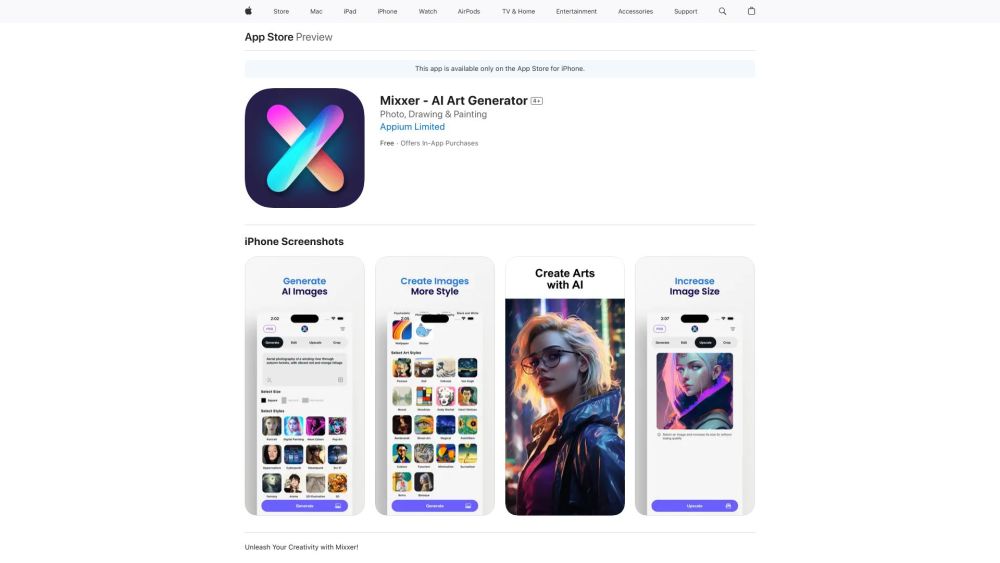
Mixxer is the ultimate AI tool for stunning photos — a mobile-first platform where powerful generative intelligence meets effortless creative control. It transforms simple prompts and intuitive taps into gallery-worthy images across diverse artistic and photographic styles.
How to use Mixxer?
Install Mixxer on any iOS or Android device, open the app, pick a visual direction (e.g., “vintage film,” “neon cyberpunk,” or “minimalist studio”), optionally tweak tone or detail intensity, and generate. No technical skills — just vision, speed, and style.
Can I use Mixxer on both iOS and Android devices?
Absolutely. Mixxer is natively built for both platforms — fully optimized for iPhone, iPad, and Android smartphones, with consistent performance, resolution handling, and gesture responsiveness.
Are the images generated by Mixxer copyrighted?
Images created with Mixxer are royalty-free for personal and commercial use, subject to Mixxer's Terms of Service. Users retain full usage rights — ideal for creators, marketers, and small businesses seeking original, license-safe visuals.
Are there any limitations on the number of photos I can generate with Mixxer?
No hard caps — Mixxer supports unlimited generations during active subscription periods. Free-tier users enjoy generous daily credits, with seamless upgrade paths to unlock premium styles and batch tools.
Can I customize the parameters and styles of the AI-generated photos in Mixxer?
Yes — deeply. Beyond preset styles, Mixxer offers granular controls: aspect ratio, color temperature, texture strength, stylization intensity, and even AI-powered subject refinement — all accessible without coding or complex menus.
Is there a free trial available for Mixxer?
Yes — Mixxer offers a fully functional 7-day free trial, granting access to all styles, export options, and advanced features. No credit card required to start exploring your most expressive visual ideas.