MagicAI

MagicAI: AI Tool to Turn Sketches into Art

MagicAI: An AI tool that transforms sketches into stunning art effortlessly—MagicAI, your ultimate creative ai tool.

🟢

MagicAI - Introduction

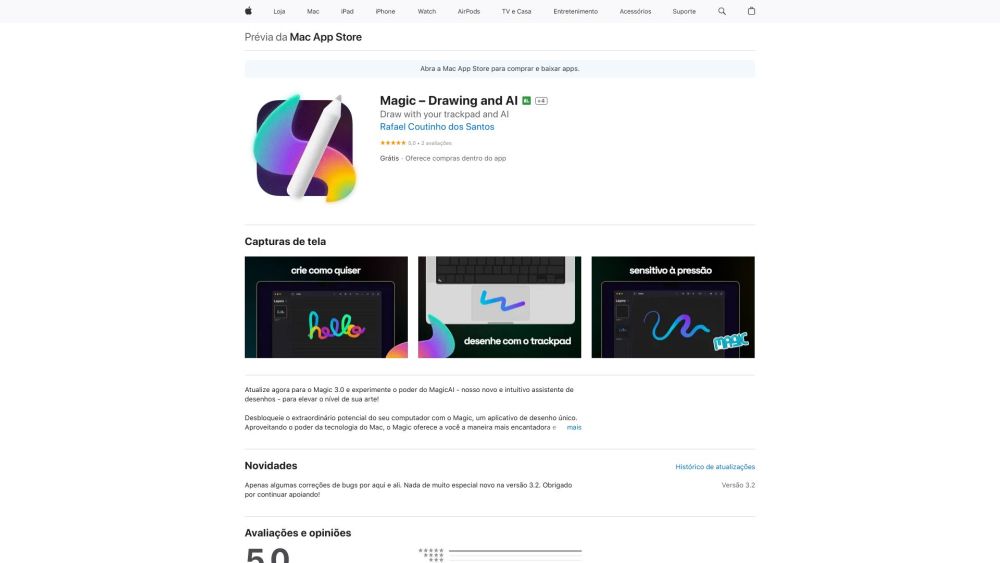
MagicAI Website screenshot

What is MagicAI?

MagicAI is an intelligent, on-device AI companion designed exclusively for macOS—turning rough pencil lines, quick doodles, or hand-drawn concepts into rich, expressive digital art in real time. No cloud uploads, no waiting—just instant creative alchemy powered by cutting-edge generative AI.

How to use MagicAI?

Launch MagicAI on your Mac, grab your favorite stylus or trackpad, and begin sketching freely. As you draw, the AI interprets line weight, composition, and intent—then renders your sketch into polished, gallery-ready artwork with a single click or automatically in live mode.

🟢

MagicAI - Key Features

Key Features From MagicAI

Real-time sketch-to-art conversion with style-aware refinement

Fully offline operation—your sketches never leave your Mac

Built on an optimized, locally deployed Stable Diffusion 3 engine

Seamlessly integrated into Magic's latest 3.0 suite as a native creative module

MagicAI's Use Cases

Breathe life into napkin sketches and concept thumbnails

Generate original assets for games, comics, or social content

Accelerate ideation during UX/UI or product design sprints

Explore artistic reinterpretations—realistic, painterly, surreal, or minimalist

🟢

MagicAI - Frequently Asked Questions

FAQ from MagicAI

What is MagicAI?

MagicAI is a privacy-first, macOS-native AI tool that intelligently transforms hand-drawn sketches into high-fidelity visual art—designed for creators who value speed, control, and creative fidelity.

How to use MagicAI?

Open the app, sketch directly in its intuitive canvas (or import a PNG/SVG sketch), choose a target style if desired—and let MagicAI generate refined artwork instantly, all without sending data online.

Is MagicAI available for Windows?

No—MagicAI is engineered specifically for Apple Silicon and Intel Macs to ensure optimal performance, low latency, and full hardware acceleration.

Is an internet connection required to use MagicAI?

No. Every step—from sketch analysis to image generation—happens entirely on your device. Works flawlessly offline, even on airplanes or remote studios.

What drawing tools are supported by MagicAI?

MagicAI natively supports Apple Pencil (on iPad via Sidecar), trackpad gestures, mouse input, and pressure-sensitive external tablets—all interpreted with contextual nuance.

Can MagicAI export the artwork in different file formats?

Yes. Export final results in lossless PNG (with transparency), high-res JPEG, layered TIFF, or vector-friendly SVG (for stylized line art outputs).