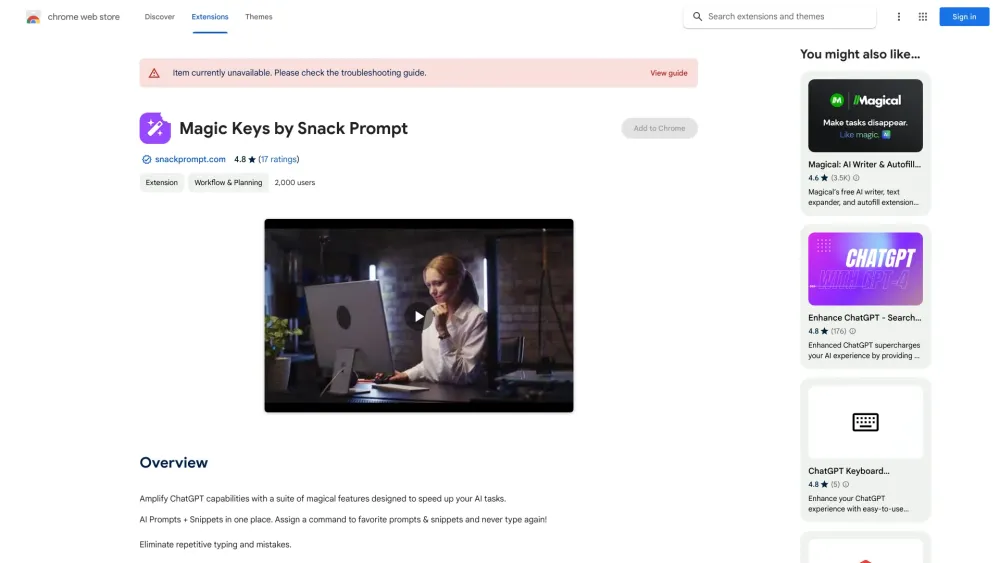
What is Magic Keys by Snack Prompt ai chrome extension?
Magic Keys by Snack Prompt is a smart, lightweight Chrome extension that transforms how you interact with AI tools—turning verbose prompts and recurring responses into one-click keystrokes. Built for writers, developers, marketers, and power users, it acts as your personal AI command center: store, organize, and trigger high-performing prompts and reusable text snippets instantly—right from any webpage, chat interface, or form field.
How to use Magic Keys by Snack Prompt ai chrome extension?
Install the extension, log in to your Snack Prompt account, then begin saving your most-used prompts (e.g., “Explain like I'm 5”, “Draft a professional follow-up email”) and snippets (e.g., credentials, boilerplate code, signature blocks). Assign intuitive keyboard shortcuts—like Ctrl+Shift+P for your top prompt—and trigger them anywhere online. No copying, no pasting, no context switching—just intelligent, instant typing.
Magic Keys by Snack Prompt ai chrome extension's Core Features
Smart Prompt & Snippet Library — Organized, searchable, and synced across devices
Fully customizable hotkeys — Map any prompt or snippet to your preferred key combination
Native LLM compatibility — Works seamlessly with ChatGPT, Claude, Gemini, Grok, DALL·E, Midjourney, and more
Prompt discovery hub — Browse, import, and adapt community-vetted prompts directly in-app
Zero-friction typing — Insert rich, context-aware content in seconds—no tab-switching or memorization required
Magic Keys by Snack Prompt ai chrome extension's Use Cases
Accelerating daily workflows—from drafting emails and debugging code to generating social posts and design briefs
Eliminating repetitive input across SaaS tools, CRMs, documentation platforms, and AI chat interfaces
Building a growing, personalized prompt vault—curated, tagged, versioned, and ready to scale with your expertise
FAQ from Magic Keys by Snack Prompt - Chrome Extension
What is Magic Keys by Snack Prompt?
An intelligent Chrome extension that bridges your AI toolkit and daily typing—empowering you to execute precise, repeatable prompts and snippets with a single shortcut, anytime, anywhere on the web.
How to use Magic Keys by Snack Prompt?
After installing the extension, sign in, add your go-to prompts and snippets, assign memorable hotkeys, and start triggering them instantly—whether you’re in Notion, Gmail, GitHub, or an AI playground.
What are Magic Keys?
They’re your personalized keyboard triggers—intelligent shortcuts that replace manual typing with pre-crafted, AI-optimized responses. Each “Magic Key” is a tiny productivity superpower, activated at will.