Korl

Korl: Product Name: ai tool for roadmaps

Korl: Product Name, an ai tool that syncs roadmaps and makes smart decks for every audience and use case today.

🟒

Korl - Introduction

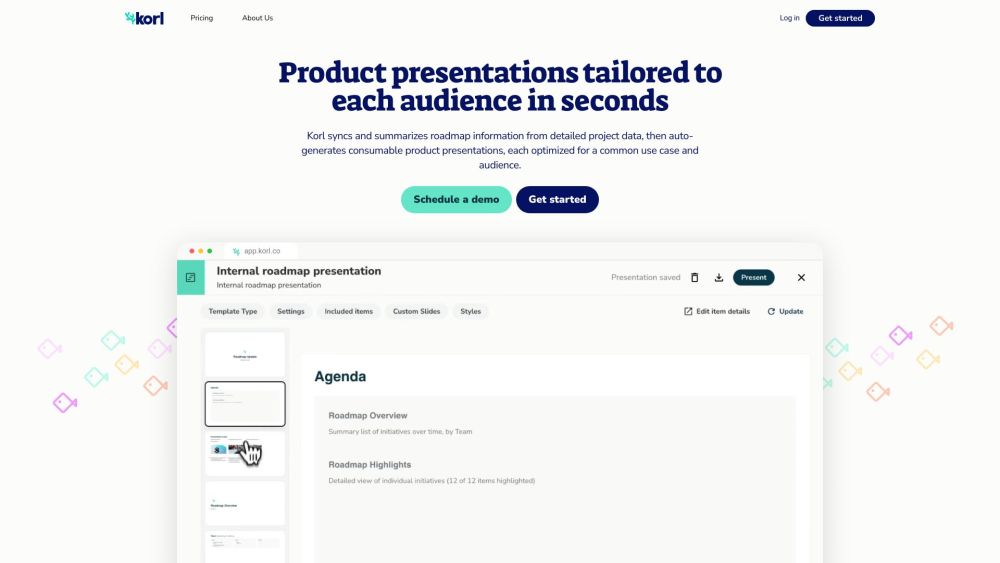
Korl Website screenshot

What is Korl?

Korl is an AI tool for product roadmaps that brings planning information together and turns it into clear, audience-specific presentations. It helps product teams organize roadmap details, create polished decks, and explain product direction to customers, executives, internal teams, and go-to-market groups.

How to use Korl?

Connect Korl with sources such as Jira and product requirement documents to keep roadmap information synchronized. The platform uses that data to create useful summaries and presentation content. Teams can select a suitable template, edit the structure and visual style, and share the finished deck with project owners and stakeholders for review. Comments and feedback can be managed from a common workspace, helping everyone work from the same version of the roadmap.

🟒

Korl - Key Features

Key Features From Korl

Korl's main capabilities include AI-assisted roadmap summaries, automatic deck creation, connections with Jira and PRDs, reusable presentation templates, flexible slide customization, stakeholder feedback, shared product planning, and an archive of previous presentations. These features help teams turn detailed planning data into focused communication for different audiences.

Korl's Use Cases

{ "use_case": "Customer Conversations", "description": "Present product direction to customers with an external-facing roadmap deck. The presentation can introduce major investment areas, explain selected features in accessible language, and show planned work across configurable time horizons." }

{ "use_case": "Company-Wide Meetings", "description": "Give employees a clear view of upcoming product work through an internal roadmap presentation. Teams can begin with key messages, group initiatives by goals, priorities, or ownership, and add detailed slides for projects that require more context." }

{ "use_case": "Go-to-Market Preparation", "description": "Help sales, marketing, and support teams understand an upcoming release. A release review deck can outline the included changes, connect them to customer needs and strategic themes, and provide guidance for communicating the update externally." }

{ "use_case": "Leadership Reporting", "description": "Create concise updates for executives by highlighting product progress, major takeaways, and relevant delivery metrics. Teams can also review roadmap changes since the previous planning checkpoint and identify strategic initiatives that may need attention." }

🟒

Korl - Frequently Asked Questions

FAQ from Korl

What is Korl?

Korl is an AI-powered roadmap tool that organizes product planning data and transforms it into presentations designed for specific audiences and communication goals.

How to use Korl?

Import or connect roadmap information from sources such as Jira and PRDs, then use Korl to generate summaries and presentation drafts. Users can choose a template, refine the slides, and share the deck with collaborators for review.

Which tools can Korl integrate with?

Korl can work with tools such as Jira and product requirement documents to collect roadmap information and use it when generating content.

Can I customize the templates in Korl?

Yes. Korl allows users to modify templates, rearrange sections, update presentation styles, and control which information appears on each slide.

How can I collaborate with others on presentations?

Teams can invite project owners and stakeholders to review roadmap content, leave feedback, and discuss updates. Saved presentations also provide a record that teams can consult when they need to understand how product plans have changed.

Is there a free trial available for Korl?

Yes. Korl offers a two-week trial that lets users work with their own data before beginning a paid plan.