FAQ from Insight Video IA
What exactly does Insight Video IA do?
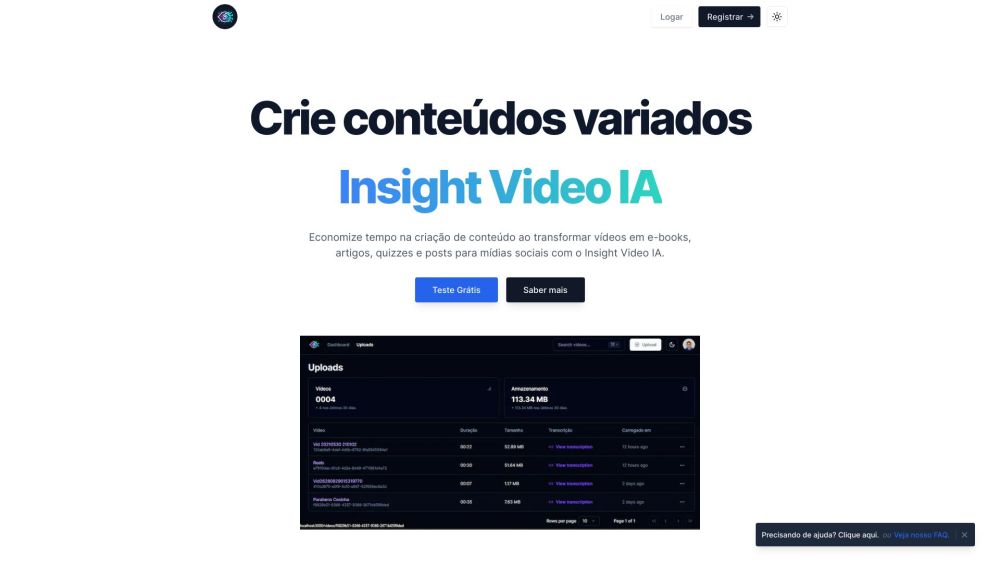
It transforms video content into various reusable formats—like e-books, blogs, quizzes, and social media posts—using artificial intelligence, helping users maximize their content's value effortlessly.
How do I start using Insight Video IA?
Simply sign up at https://www.insightvideoia.com.br/auth/sign-up, log in, and begin uploading or linking your videos to start generating new content instantly.
Does Insight Video IA provide accurate transcriptions?
Yes, it uses advanced AI models to deliver highly accurate transcriptions. While results are generally reliable, we recommend reviewing outputs for nuanced context or technical terms.
Can I edit the content after it's been generated?
Absolutely. All generated content—including transcripts, articles, and e-books—can be edited directly on the platform to match your tone, style, or branding.
Is multi-language transcription supported?
Yes, the tool supports transcription and translation across several languages. Note: initial processing may return results in Portuguese, with ongoing improvements to multilingual accuracy.
How does Insight Video IA assist in creating additional content?
Beyond transcription, it extracts key themes and facts to generate blog posts, quiz questions, presentation scripts, and more—dramatically reducing time spent on ideation and drafting.
Are translations always 100% accurate?
The platform uses sophisticated AI for translation, but no automated system guarantees perfection. We advise final human review for mission-critical content.
Can I use Insight Video IA to improve accessibility?
Definitely. The transcription feature enables caption creation, making your videos accessible to hearing-impaired viewers and improving overall inclusivity.
Can I use long videos with this tool?
Currently, the system supports videos up to 7 minutes in length for guaranteed performance. Longer video support is under active development.
How can I find specific information within a video?
Use the keyword search function to scan transcriptions and jump directly to relevant sections of your video content.
How do I get started with my first project?
After registering, upload your first video or paste its URL. The AI will process it and present you with multiple repurposing options to choose from.
Is my data safe on Insight Video IA?
Yes. The platform employs b data protection measures, including secure storage and transmission, to ensure your videos and content remain confidential.
How can I contact technical support?
Our support team is reachable via WhatsApp at https://api.whatsapp.com/send?phone=5581996733973 for fast assistance.
Want to learn more about advanced features?
Contact us via WhatsApp or visit our website for demos, tutorials, and personalized onboarding.
Need help getting started?
Click the support link or explore our FAQ section for step-by-step guidance and tips.