What is Hybrainer - Chrome Extension?
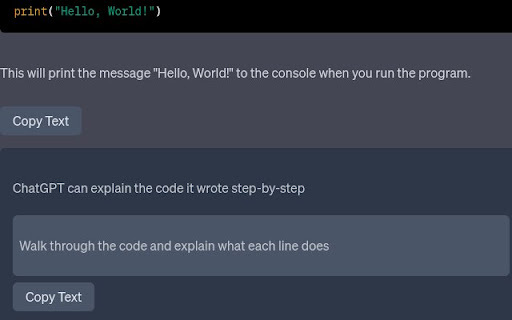
Hybrainer is a smart, lightweight Chrome extension that brings conversational AI directly into your browser—turning every tab into an intelligent dialogue space for real-time assistance, idea refinement, and contextual problem-solving.
How to use Hybrainer - Chrome Extension?
Install the extension from the Chrome Web Store, create a free account, and click the Hybrainer icon anytime to launch an intuitive chat interface—no switching tabs or copying prompts required.
Hybrainer - Chrome Extension's Key Features
Context-Aware AI Chat
Adaptive Conversation Memory
One-Click Integration Across Websites
Hybrainer - Chrome Extension's Use Cases
Accelerating research & content creation
Learning new skills through guided AI conversations
Streamlining daily workflows with on-the-fly AI support
FAQ from Hybrainer - Chrome Extension
What is Hybrainer?
An AI-powered Chrome extension designed to make human-like, context-rich conversations with AI effortless, accessible, and deeply integrated into your browsing experience.
How to use Hybrainer?
After installing the extension and signing in, simply click its icon—or use a keyboard shortcut—to open the chat panel and start interacting with AI instantly, right where you work.
How can I start using Hybrainer?
Visit the official site, sign up in under 30 seconds, install the extension, and begin your first AI conversation—no setup, no delays, just seamless intelligence at your fingertips.