HTML Recorder - Chrome Extension

HTML Recorder - Chrome Extension: AI Tool

HTML Recorder - Chrome Extension: An AI tool that converts web pages to text easily—fast, accurate, and built for productivity.

🟢

HTML Recorder - Chrome Extension - Introduction

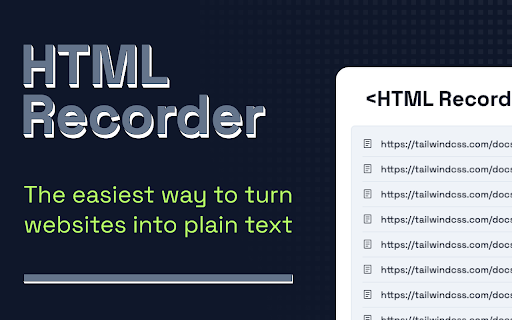
HTML Recorder - Chrome Extension Website screenshot

What is HTML Recorder ai chrome extension?

HTML Recorder is a smart, AI-powered Chrome extension that transforms live web pages into clean, structured text—optimized for seamless integration with Large Language Models and everyday knowledge workflows.

How to use HTML Recorder ai chrome extension?

Simply install the extension, browse any webpage, click the recorder icon—and in one click, extract, clean, and convert the full HTML content into ready-to-use plain text.

🟢

HTML Recorder - Chrome Extension - Key Features

Key Features From HTML Recorder ai chrome extension

One-Click HTML-to-Text Conversion

Intuitive, No-Setup Interface

Zero-Data-Leave Privacy Model

HTML Recorder ai chrome extension's Use Cases

Feeding up-to-date web insights directly into LLM prompts

Archiving, summarizing, or repurposing web content without manual copying

🟢

HTML Recorder - Chrome Extension - Frequently Asked Questions

FAQ from HTML Recorder - Chrome Extension

What is HTML Recorder?

An intelligent, lightweight Chrome extension built to bridge the gap between dynamic web content and AI tools—turning complex HTML into actionable text instantly.

How to use HTML Recorder?

No configuration needed: visit a site, click the extension icon, and get clean, semantic text—preserving headings, lists, and key context while removing clutter like ads, scripts, and navigation menus.

Is coding knowledge required to use HTML Recorder?

None at all. Designed for researchers, writers, developers, and analysts alike—HTML Recorder works instantly, invisibly, and intelligently behind the scenes.