FAQ from Heynds
What is Heynds?
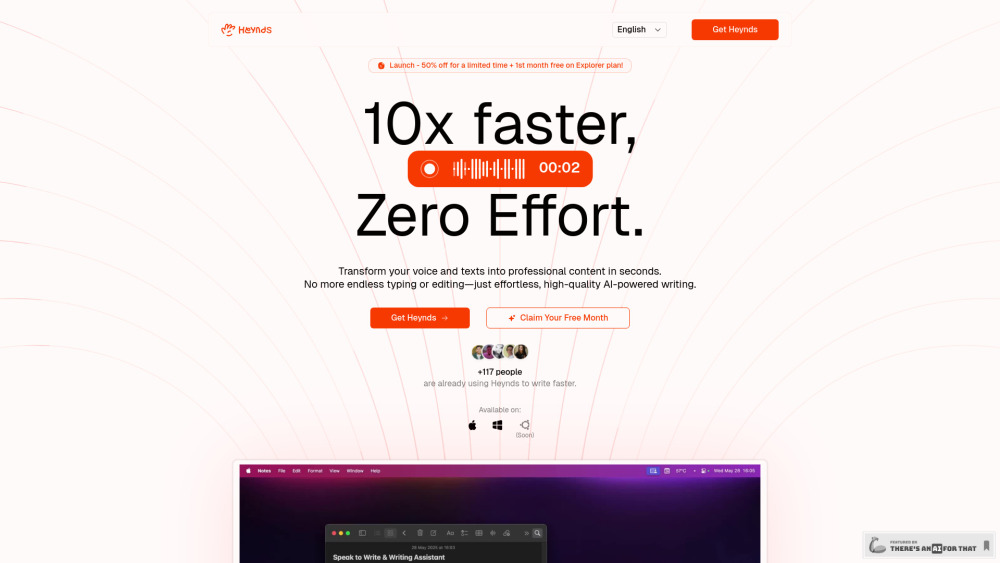
Heynds is an AI writing and speech assistant for desktop computers. It transcribes spoken input, improves written content, reformats text, and helps users complete communication tasks more quickly.
How does Heynds work?
Users can speak into the application or provide written text. Heynds converts speech into text and applies AI-based instructions to revise, summarize, translate, format, or expand the content.
How accurate is Heynds?
Heynds is designed to provide accurate results for common writing and transcription tasks. Performance can vary depending on audio quality, pronunciation, background noise, input clarity, and the complexity of the requested change.
What languages does Heynds support?
Heynds supports more than 100 languages. Its AI writing features can also be used to translate text between languages when translation is requested.
Which devices support Heynds?
Heynds currently supports macOS and Windows devices. Linux support is planned and is being developed alongside future bug fixes and package releases.
Can I try Heynds for free?
Heynds can be tested in a browser without creating an account. Users can also choose the Explorer plan for a month. The Eternal plan includes a 30-day money-back guarantee.
Can I create custom prompts in Heynds?
Yes. Heynds allows users to create and save custom prompts for repeated writing tasks. These prompts can be tailored to a preferred tone, format, audience, or workflow.
How can I get better results from Heynds?
Give the assistant clear instructions and describe the desired result in specific terms. Including the target audience, preferred tone, length, and output format can help. Testing different prompt variations can also improve the result.
Does Heynds support text formatting?
Yes. Heynds supports formatting options such as bold, italics, underlining, headings, and lists. The editor also works with Markdown syntax and supports exports to DOCX, PDF, and HTML.
Is Heynds secure?
Heynds currently states that it does not collect user data. Its AI writing and transcription functions rely on external models, including Gemini Flash and Groq Whisper Large V3 Turbo. Users should review the privacy policies of the relevant providers for more details.
Where is my information stored when I use Heynds?
Storage and data-handling details are provided in the Heynds Privacy Policy. Users should consult that policy for the latest information about processing, retention, and third-party services.
Is data encrypted by Heynds?
Heynds is developing a secure AI model server intended to support GDPR and CCPA requirements. The company also plans to reduce reliance on third-party providers over time. For current encryption details, users should review the latest privacy documentation.
How much does Heynds cost?
Heynds offers several ways to access the product. Users can try it in a browser for free, choose the Explorer plan for one month, or purchase the Eternal plan for lifetime access. Enterprise plans are available upon request and are priced per seat each month.
Why does the Eternal plan require personal API keys?
The Eternal plan is sold as a one-time purchase, so it does not include continuing API usage costs. Using personal API keys gives users direct control over their provider accounts, usage levels, and related expenses.
Why can an update fee apply after the first year of the Eternal plan?
The initial Eternal purchase includes access to the version and updates provided during the first year. Continued access to new updates and features after that period may require an optional annual update payment. Users can continue using the version they already own without purchasing future updates.
Can I cancel my Heynds subscription?
Subscription customers can cancel through their account settings. Access to paid features continues until the current billing period ends, and Heynds does not charge a cancellation fee.
What should I do if Heynds produces inaccurate results?
First, check that you are using the latest version of the application. Try speaking in a quieter environment, rephrasing the request, and providing more precise instructions. You can also review the knowledge base or contact the Heynds support team through the in-app help center or by email.
Where can I report a bug?
Bugs can be reported by emailing [email protected]. Include the operating system, application version, steps that caused the problem, and any relevant screenshots or error messages.