Geniee AI

Geniee AI: AI Tool Browser Extension

Geniee AI: A powerful ai tool browser extension—Geniee AI harnesses ChatGPT to generate emails, tweets, blogs & more instantly in any textbox.

🟢

Geniee AI - Introduction

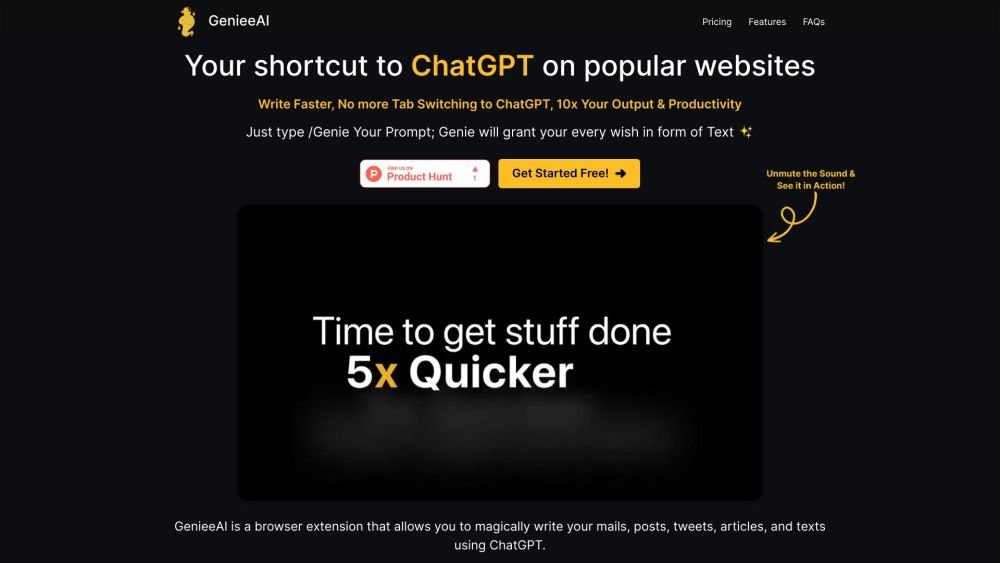
Geniee AI Website screenshot

What is Geniee AI?

Geniee AI is an intelligent, lightweight browser extension designed to supercharge your everyday writing—right where you type. Built to seamlessly integrate with ChatGPT's advanced language capabilities, Geniee AI transforms any text field into a smart content studio: draft polished emails, craft engaging tweets, outline blog posts, or generate compelling copy—instantly and contextually.

How to use Geniee AI?

Using Geniee AI couldn’t be simpler: just open any webpage with a text input (Gmail, Twitter/X, Notion, LinkedIn, WordPress, etc.), type /Genie [your request]—for example, /Genie write a friendly follow-up email about the project deadline—and press Enter. Within seconds, AI-powered suggestions appear directly in the textbox, ready to edit, refine, or send.

🟢

Geniee AI - Key Features

Key Features From Geniee AI

One-Click AI Writing

Universal Textbox Integration

ChatGPT-Powered Intelligence

Lightweight & Privacy-First Extension

Geniee AI's Use Cases

Professional email drafting

Social media content at scale

Blog ideation and full-article generation

  • Geniee AI Support Email & Customer Service Contact & Refund Policy

    For assistance, reach our support team at [email protected]. For full contact details—including live chat and refund inquiries—visit our Contact Us page.

  • Geniee AI Company

    Geniee AI is developed and maintained by Geniee AI Inc., a U.S.-based AI productivity company focused on human-first, browser-native tools.

  • Geniee AI Pricing

    Explore flexible plans—from free tier to premium features—at https://genieeai.com/#pricing.

🟢

Geniee AI - Frequently Asked Questions

FAQ from Geniee AI

What is Geniee AI?

Geniee AI is a next-generation AI tool browser extension that brings generative writing power directly into your workflow—no switching tabs, no copying prompts, no friction. It works inside any editable text box across the web using secure, real-time ChatGPT integration.

How to use Geniee AI?

Type /Genie followed by a clear instruction—like “/Genie summarize this meeting notes in 3 bullet points”—into any text field. Geniee AI instantly returns concise, on-brand output tailored to your context.

How does Geniee AI work?

Geniee AI operates as a secure, client-side extension that sends only your prompt (not page content or personal data) to its encrypted API endpoint, which routes requests to ChatGPT. Responses are rendered instantly in your current field—keeping your workflow uninterrupted and private.

What are the core features of Geniee AI?

Geniee AI delivers intelligent content generation through four pillars: seamless browser extension deployment, contextual prompt-triggered responses, universal compatibility with web text inputs, and deep, optimized integration with ChatGPT’s latest models.

What can I use Geniee AI for?

From crafting high-converting sales emails and time-saving Slack messages to drafting SEO-friendly blog intros or repurposing long-form content into social snippets—Geniee AI adapts to your voice, tone, and intent across professional, creative, and personal use cases.

What platforms is Geniee AI available on?

Currently available as a verified Chrome extension (with Edge and Firefox versions in active development), Geniee AI works on virtually any website with a text input—whether it’s Gmail, Shopify, Figma comments, GitHub issues, or custom internal tools.