Gemini

Gemini: Your On-the-Go AI Tool for Mobile

Gemini: Your on-the-go AI tool—direct access to Google's best family of AI models, right on your phone. Gemini redefines mobile AI.

🟢

Gemini - Introduction

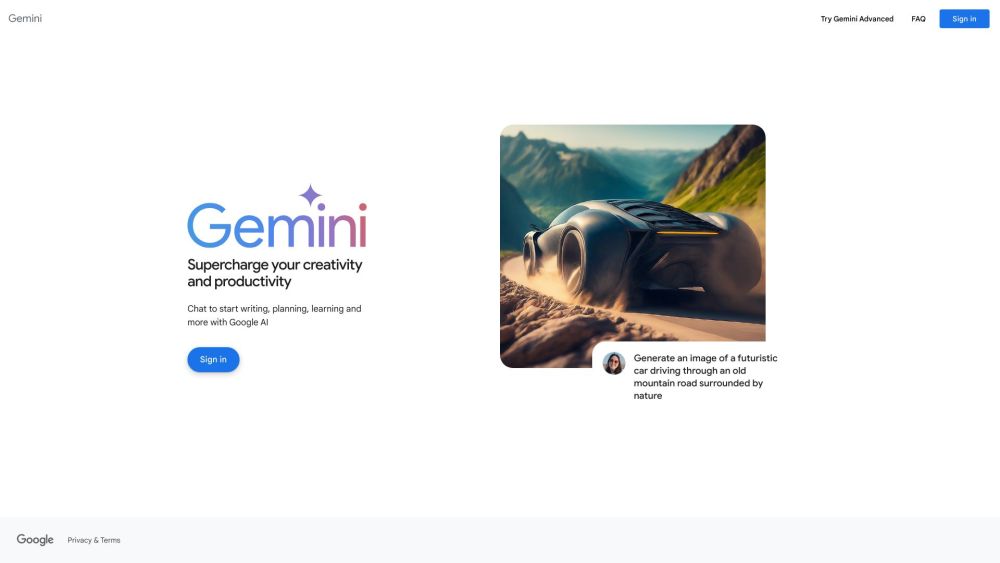
Gemini Website screenshot

What is Gemini?

Gemini is your intelligent companion for life on the move—Google's most advanced AI experience, engineered from the ground up for mobile. Built on Google’s latest family of multimodal AI models, it brings powerful reasoning, real-time understanding, and natural conversation directly to your smartphone—no desktop required.

How to use Gemini?

Getting started with Gemini is fast and seamless: install the official Gemini app from the Google Play Store or Apple App Store, sign in with your Google Account, and begin interacting instantly. Whether you’re drafting messages, summarizing articles, brainstorming ideas, or analyzing photos—Gemini responds thoughtfully, contextually, and in real time—all from your pocket.

🟢

Gemini - Key Features

Key Features From Gemini

Real-time access to Google’s most capable AI models

Optimized for mobile-first interaction—fast, intuitive, and always ready

Gemini's Use Cases

Smart image analysis & visual Q&A

Instant multilingual translation & contextual rewriting

🟢

Gemini - Frequently Asked Questions

FAQ from Gemini

What is Gemini?

Gemini is Google’s flagship mobile AI tool—designed to deliver cutting-edge AI capabilities where you need them most: on your phone, anytime, anywhere.

How to use Gemini?

Download the app, log in with your Google Account, and start asking questions, uploading images, or generating text—no setup, no waiting. Gemini adapts to your needs, whether you're at home, commuting, or traveling.

Can I use Gemini on both Android and iOS?

Yes—Gemini is fully supported on both Android and iOS devices, ensuring consistent performance, privacy controls, and feature parity across platforms.