FireCut AI

FireCut AI: ai tool for Premiere Pro editing

FireCut AI: An ai tool that's your co-pilot in Adobe Premiere Pro—automate cuts, captions, chapters & more. Focus on creativity with FireCut AI.

🟢

FireCut AI - Introduction

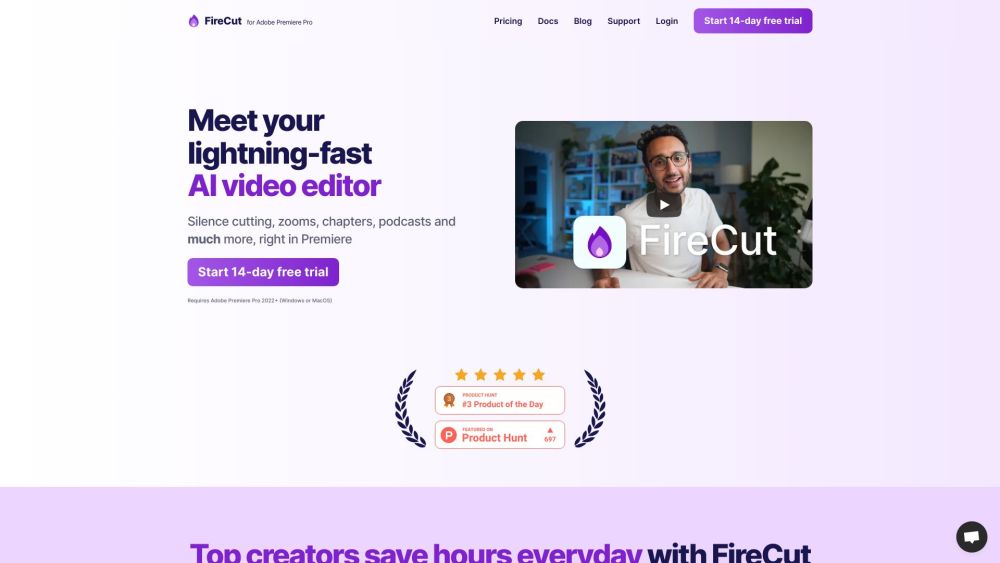
FireCut AI Website screenshot

What is FireCut AI?

FireCut AI is your intelligent assistant inside Adobe Premiere Pro, designed to take over repetitive editing tasks using advanced artificial intelligence. Whether you're trimming dead air, refining multi-take recordings, or generating accurate captions, FireCut AI handles the technical heavy lifting—so you can stay in the flow of storytelling and creative decision-making.

How to use FireCut AI?

Getting started with FireCut AI is simple. Download and install the plugin directly into Adobe Premiere Pro (2022 or later). Once set up, launch it from within your workspace and begin applying smart edits with just a few clicks. From cleaning up raw footage to auto-generating chapters and subtitles, FireCut AI integrates smoothly into your existing workflow for faster, smarter video production.

🟢

FireCut AI - Key Features

Key Features From FireCut AI

Silence cutting

Footage cleanup

Podcast optimization

Auto camera switching

Chapter detection

Dynamic zoom cuts

AI-powered caption generation

FireCut AI's Use Cases

Video editing

Podcast editing

Content creation

🟢

FireCut AI - Frequently Asked Questions

FAQ from FireCut AI

What is FireCut AI?

FireCut AI acts as an AI co-pilot inside Adobe Premiere Pro, automating tedious editing steps like removing pauses, syncing takes, adding subtitles, and detecting section breaks—freeing you to focus on what matters most: your creative vision.

How to use FireCut AI?

Install the FireCut AI plugin for Premiere Pro, activate it within your project, and let the AI analyze and enhance your timeline automatically. With intuitive controls, you can apply edits across audio and video tracks in seconds.

Who is FireCut AI for?

It's perfect for video editors, podcasters, YouTubers, and content creators who want to reduce manual editing time and accelerate their post-production without sacrificing quality.

Is FireCut AI compatible with Adobe Premiere Pro 2022+?

Yes, FireCut AI works seamlessly with Adobe Premiere Pro version 2022 and all newer releases.

Can I try FireCut AI for free?

Absolutely! FireCut AI offers a full-featured 14-day free trial so you can test all functionalities before subscribing.

What languages does FireCut AI support for caption generation?

FireCut AI supports transcription and caption creation in over 50 languages, making it ideal for global content creators and multilingual projects.