FeelMe AI

FeelMe AI: ai tool for Interactive Adult Content

FeelMe AI: An ai tool for interactive adult entertainment that puts you in control of how you explore and engage online.

🟢

FeelMe AI - Introduction

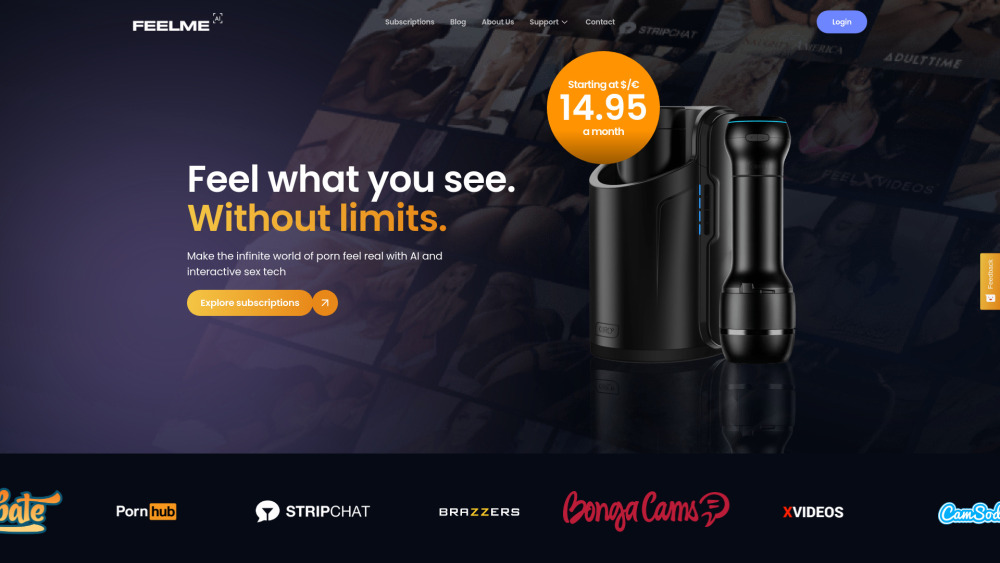
FeelMe AI Website screenshot

FeelMe AI: AI Tool for Interactive Adult Content

What is FeelMe AI?

FeelMe AI is an AI tool that makes online adult entertainment interactive by connecting supported videos to compatible devices. Its browser extension links video playback with physical feedback from a paired sex toy. You choose what to watch and when to connect your device.

How to use FeelMe AI?

Create an account on the FeelMe AI website and choose a subscription. Then install the browser extension and follow the setup prompts to pair a supported Kiiroo or Handy device. Once the device is connected, open a compatible adult video to use the interactive features.

🟢

FeelMe AI - Key Features

Key Features From FeelMe AI

Interactive adult video playback

The browser extension connects supported videos to your paired device while you watch.

Physical feedback through compatible devices

FeelMe AI works with supported Kiiroo and Handy devices to provide physical feedback during playback.

Browser-based setup

The extension handles the connection between your browser and device. You can choose when to pair your device and use the interactive features.

FeelMe AI Use Cases

Add physical feedback to online viewing

Explore interactive adult videos with a compatible device

Try device-synced playback with an existing Kiiroo or Handy toy

🟢

FeelMe AI - Frequently Asked Questions

FAQ from FeelMe AI

What does the FeelMe AI browser extension do?

It connects supported adult video playback to a paired device so the device can respond as the video plays.

What do I need to start using FeelMe AI?

You need a FeelMe AI account, a subscription, the browser extension, and a compatible device.

Which sex toys work with FeelMe AI?

FeelMe AI supports compatible devices from Kiiroo and Handy. Check with FeelMe support if you’re unsure whether your specific model works with the extension.

Where can I compare plans or ask about a refund?

Use the packages page to compare subscriptions and the contact page for billing or refund inquiries.