Docuopia

Docuopia: AI Tool for Smarter Document Creation

Docuopia: Your AI-powered document assistant. This ai tool enhances phrasing, tailors content, and simplifies creating requirements, help docs, and knowledge bases with Product Name.

🟢

Docuopia - Introduction

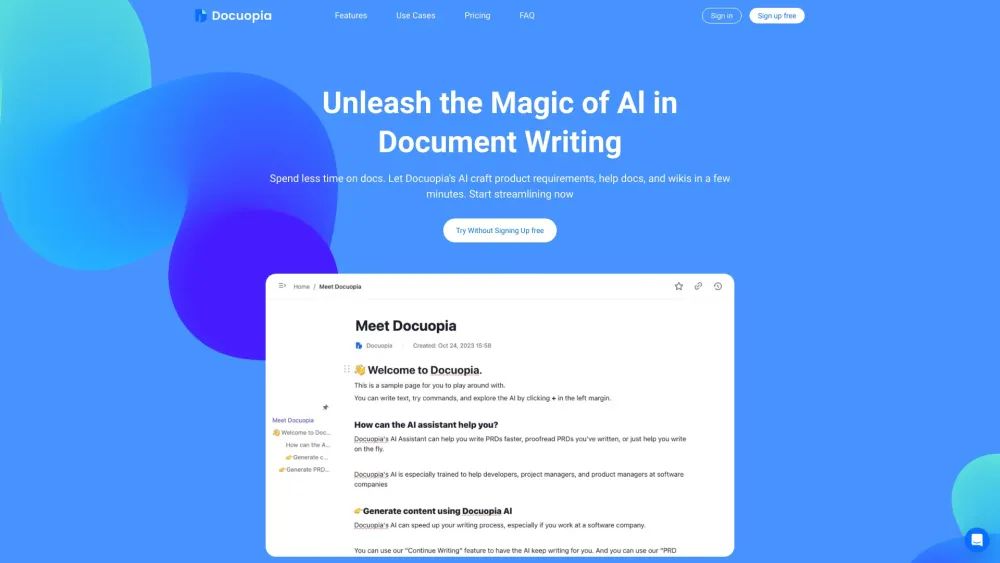
Docuopia Website screenshot

What is Docuopia?

Docuopia is your intelligent AI document partner, designed to transform the way you create and manage written content. Whether you're drafting product specifications, building help documentation, or organizing a knowledge base, Docuopia uses advanced artificial intelligence to refine your language, align content with your goals, and accelerate the entire writing process—so you can focus on innovation, not editing.

How to use Docuopia?

Get started in seconds. Simply input your draft or outline, and let Docuopia's AI analyze, enhance, and generate polished, professional-grade documents in minutes. From initial brainstorming to final publishing, automate repetitive tasks and streamline collaboration across teams—perfect for developers, product managers, and support teams alike.

🟢

Docuopia - Key Features

Key Features From Docuopia

Smart Document Generation

Generate clear, structured documents from simple prompts—ideal for PRDs, technical guides, and internal wikis.

AI-Powered Editing & Refinement

Receive real-time suggestions to improve clarity, tone, and consistency across all your content.

Customized Content Adaptation

Tailor outputs based on audience, style preferences, or project requirements with precision.

Seamless Team Collaboration

Work together in real time with built-in version tracking and collaborative editing tools.

Docuopia's Use Cases

Create detailed product requirement documents (PRDs) quickly

Improve accuracy and readability of technical documentation

Adapt content for different stakeholders or departments

Build and maintain dynamic knowledge bases with ease

🟢

Docuopia - Frequently Asked Questions

FAQ from Docuopia

What is Docuopia?

An AI-driven platform that simplifies document creation by enhancing language, personalizing content, and accelerating the development of product specs, help docs, and knowledge repositories.

How to use Docuopia?

Input your ideas or rough drafts, select your document type, and allow Docuopia’s AI to generate, edit, and format high-quality content tailored to your needs—instantly boosting productivity.

Is this app free?

Yes, Docuopia offers a free tier that lets individuals explore core functionalities before upgrading to premium plans.

What’s the difference between free and paid accounts?

The free plan supports basic usage for solo creators, while paid subscriptions unlock enhanced AI capabilities, team collaboration tools, expanded storage, and priority customer support.

How can I purchase credits?

After signing up, navigate to the billing section in your dashboard to upgrade your plan and buy additional credits as needed.